Welcome and the first questions
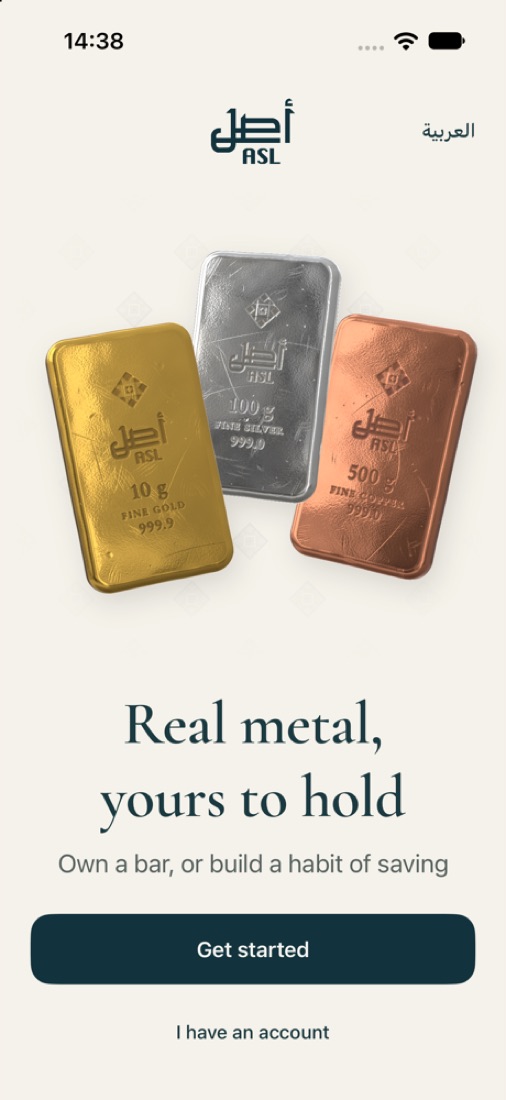
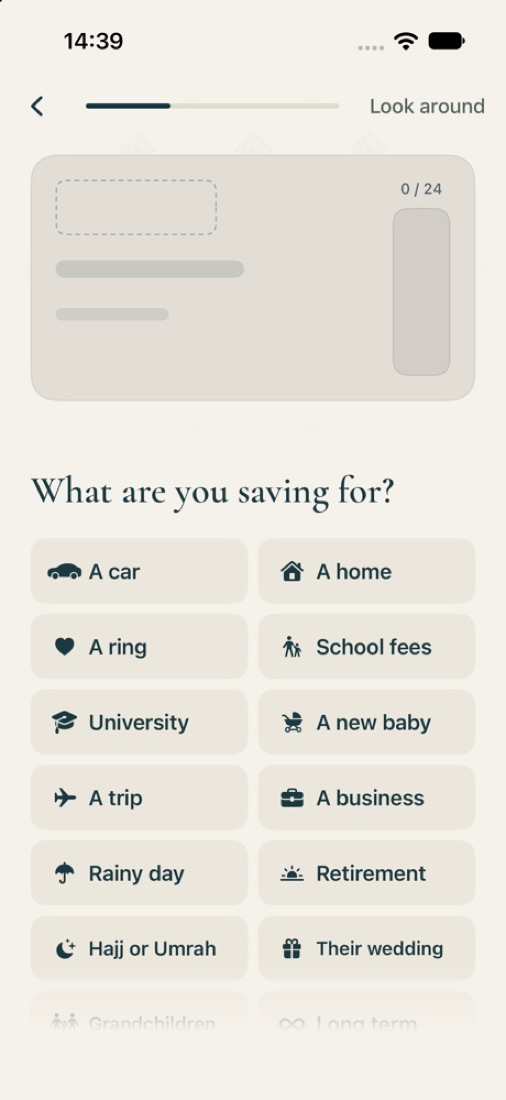
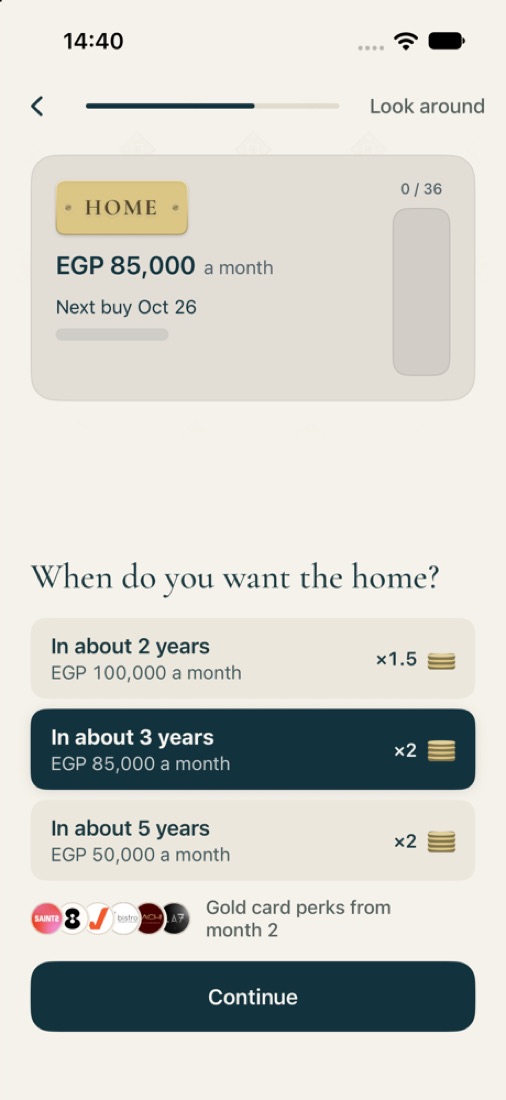
WorksASL's welcome, then "What are you saving for?", the amount and when. The plan is worked out from today's gold price.
Every customer step in the ASL Demo app next to what the team sees in the admin dashboard, on the demo environment with made-up customers and test money. 20 October 2026.
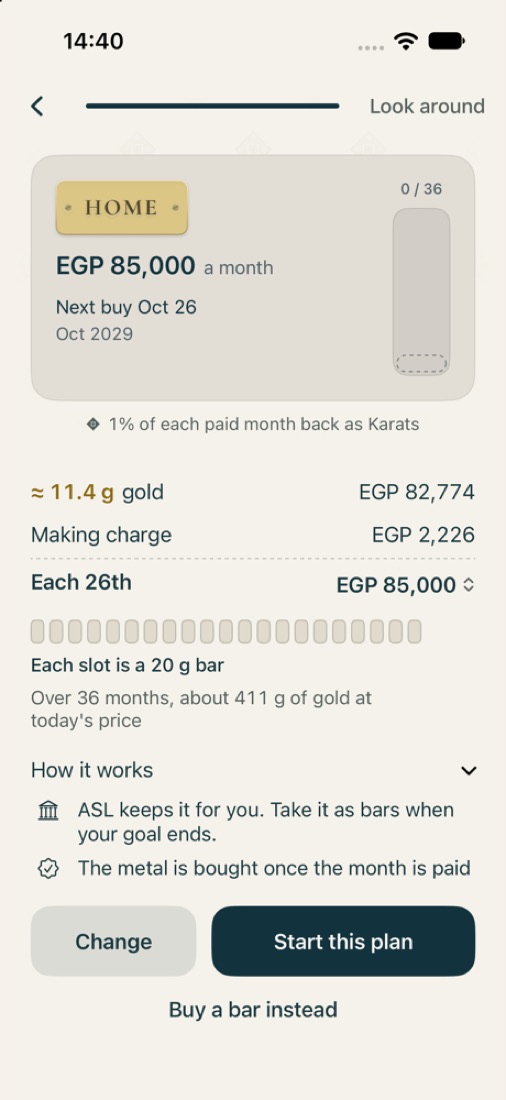
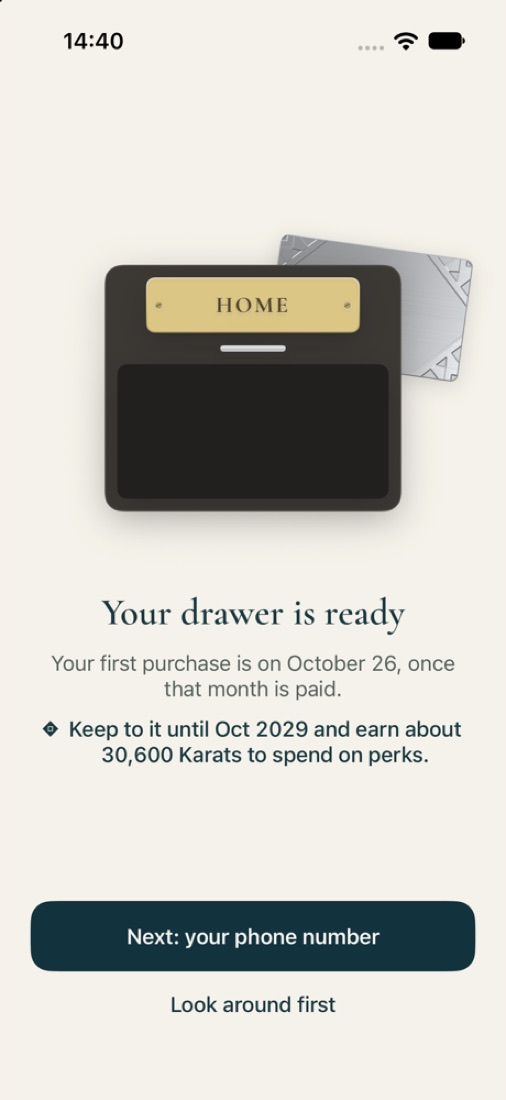
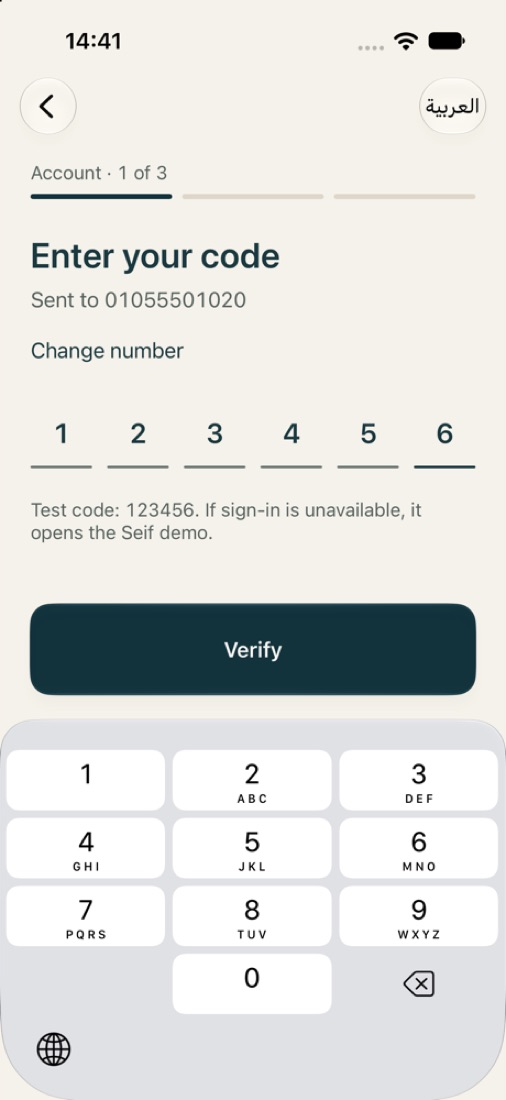
A new customer answers what they're saving for, sees a plan, then signs up with a mobile number and the code. On demo the code is always 123456.
ASL's welcome, then "What are you saving for?", the amount and when. The plan is worked out from today's gold price.
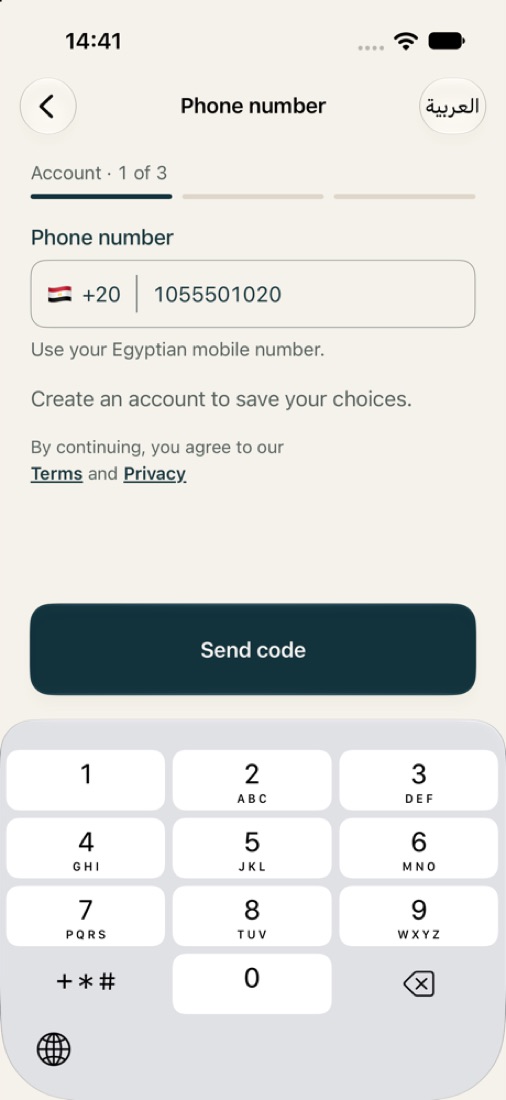
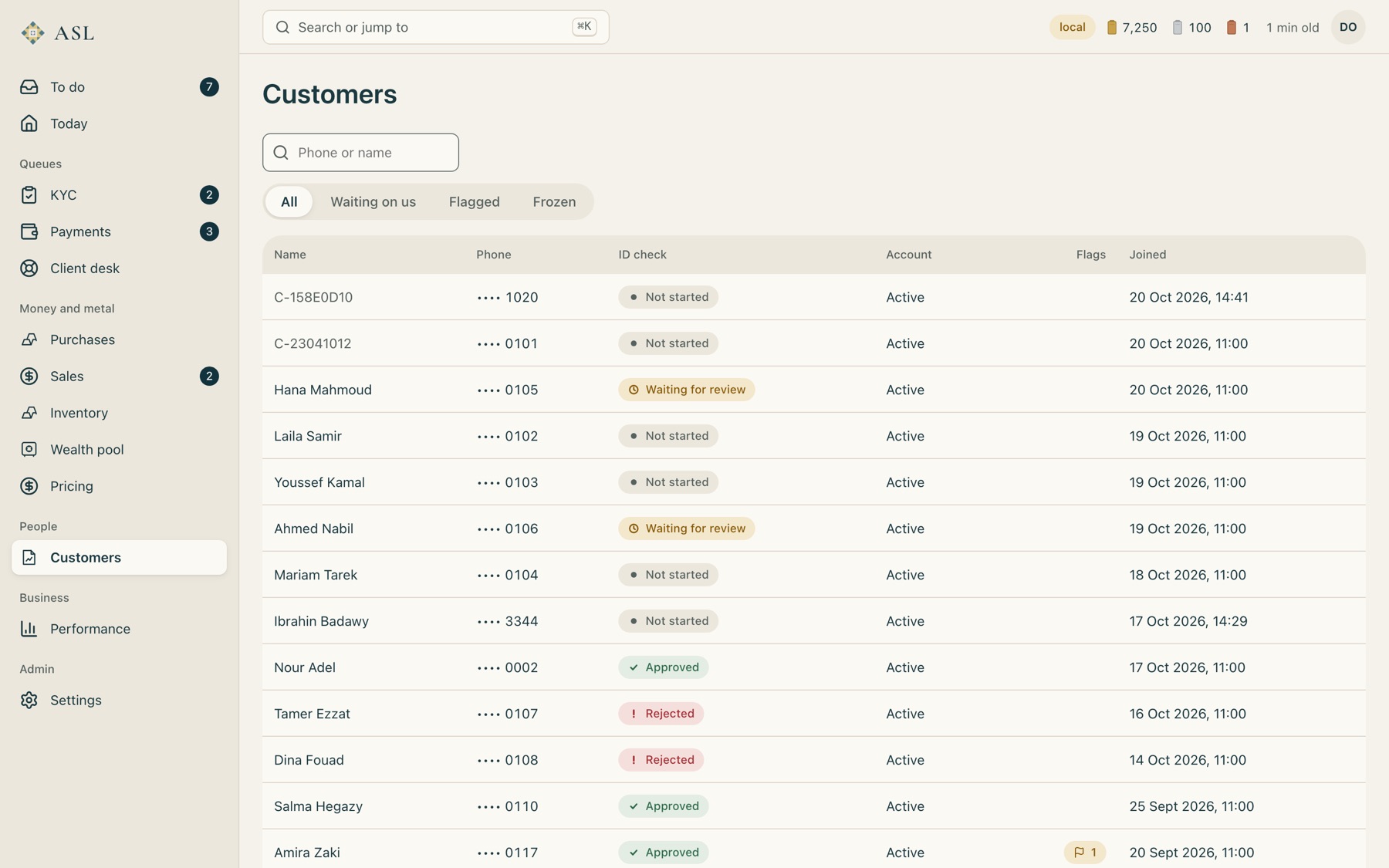
Karim types his number and the demo code. The moment he's in, he shows on the dashboard's Customers list (•••• 1020, joined 14:41, ID check not started).
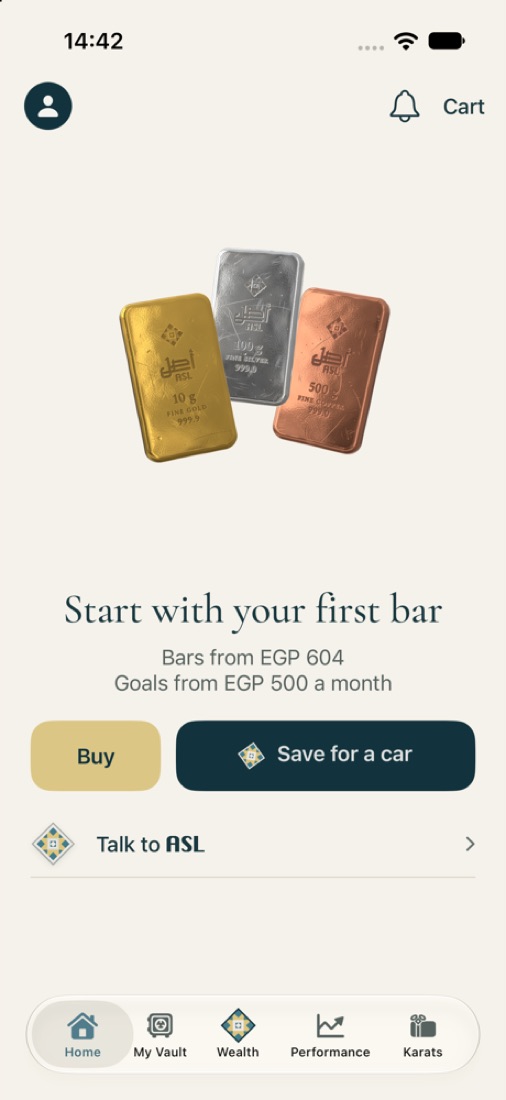
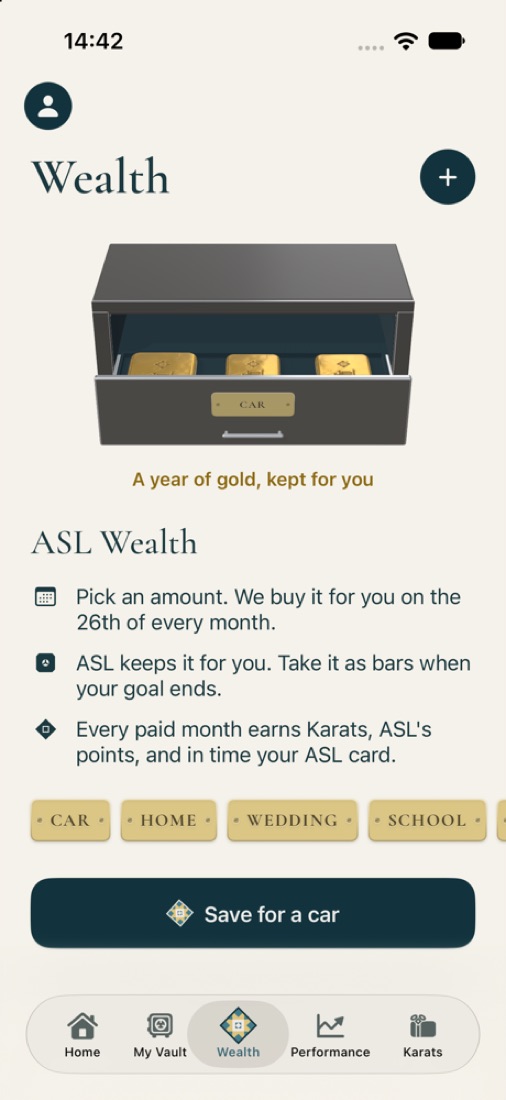
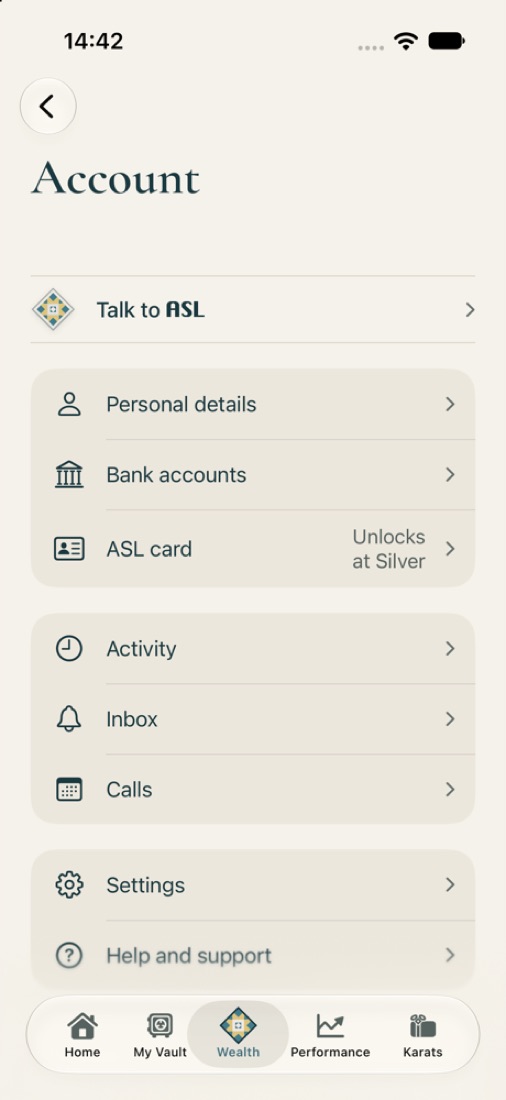
Home invites a first bar or a goal. The account disc now sits on every tab (1.5), here on Wealth.
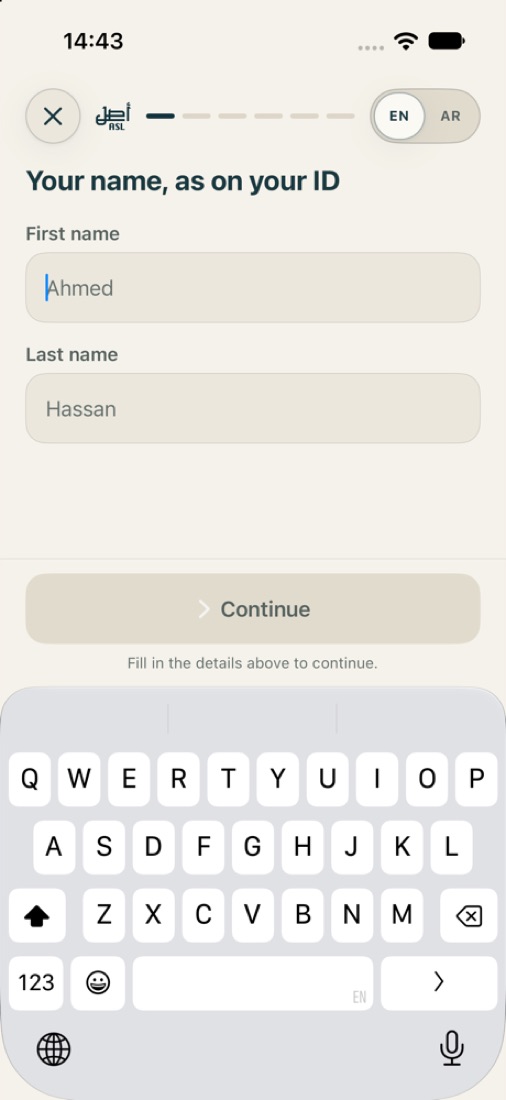
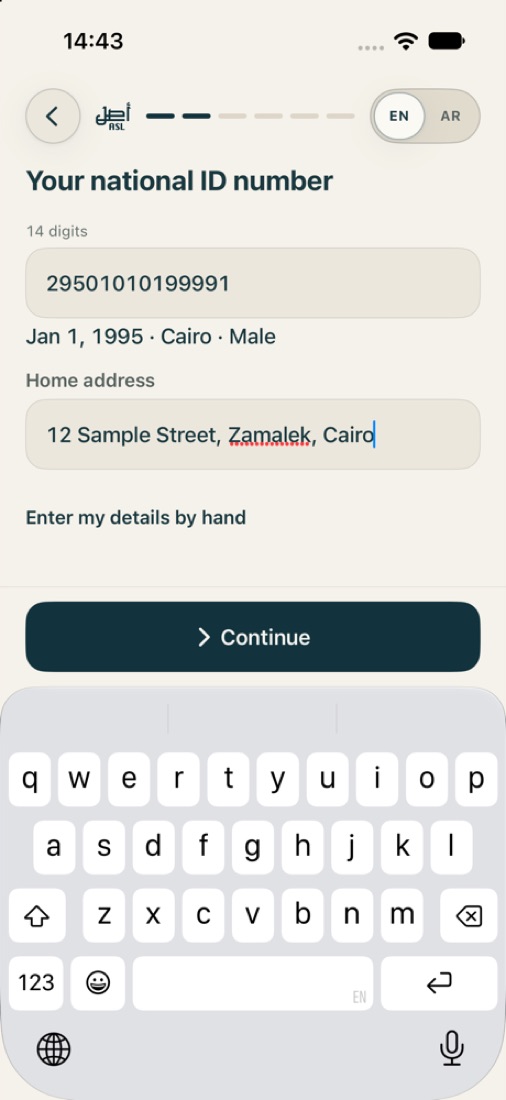
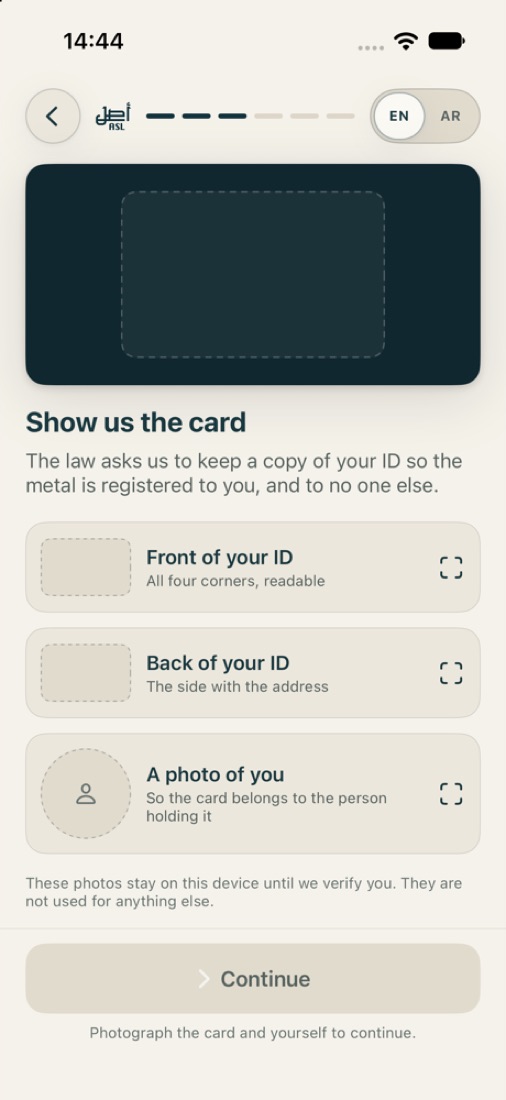
The first purchase asks for the ID: the name as on the card, the 14-digit number (the app reads the birth date, governorate and sex from it), the address, then photos.
Karim Mansour, a made-up number read back as 1 Jan 1995, Cairo, male, and a sample address.
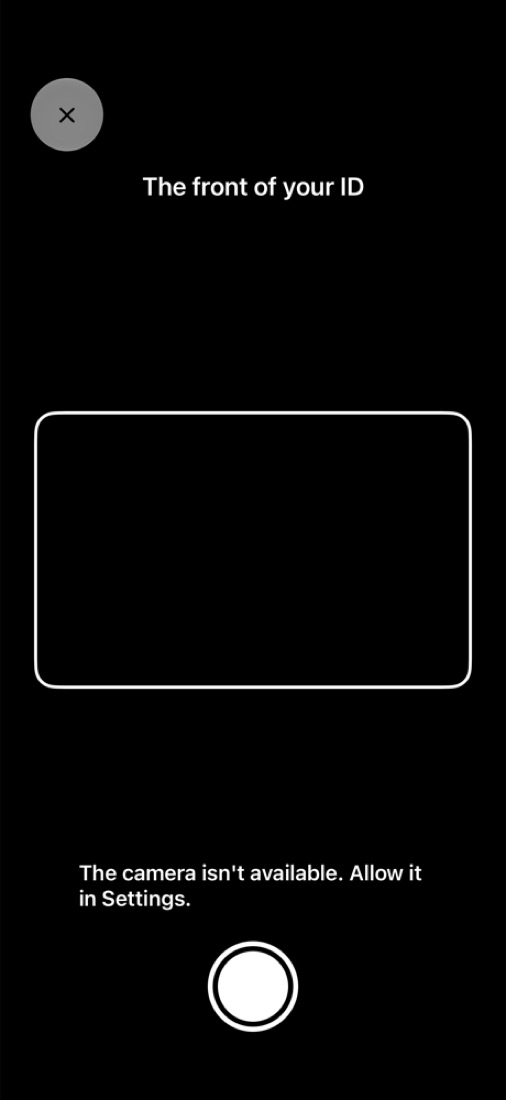
ASL's own camera frames the card and takes it by itself. The simulator has no camera, so this run stops at the camera; on a phone it goes on to the selfie and sends the case.
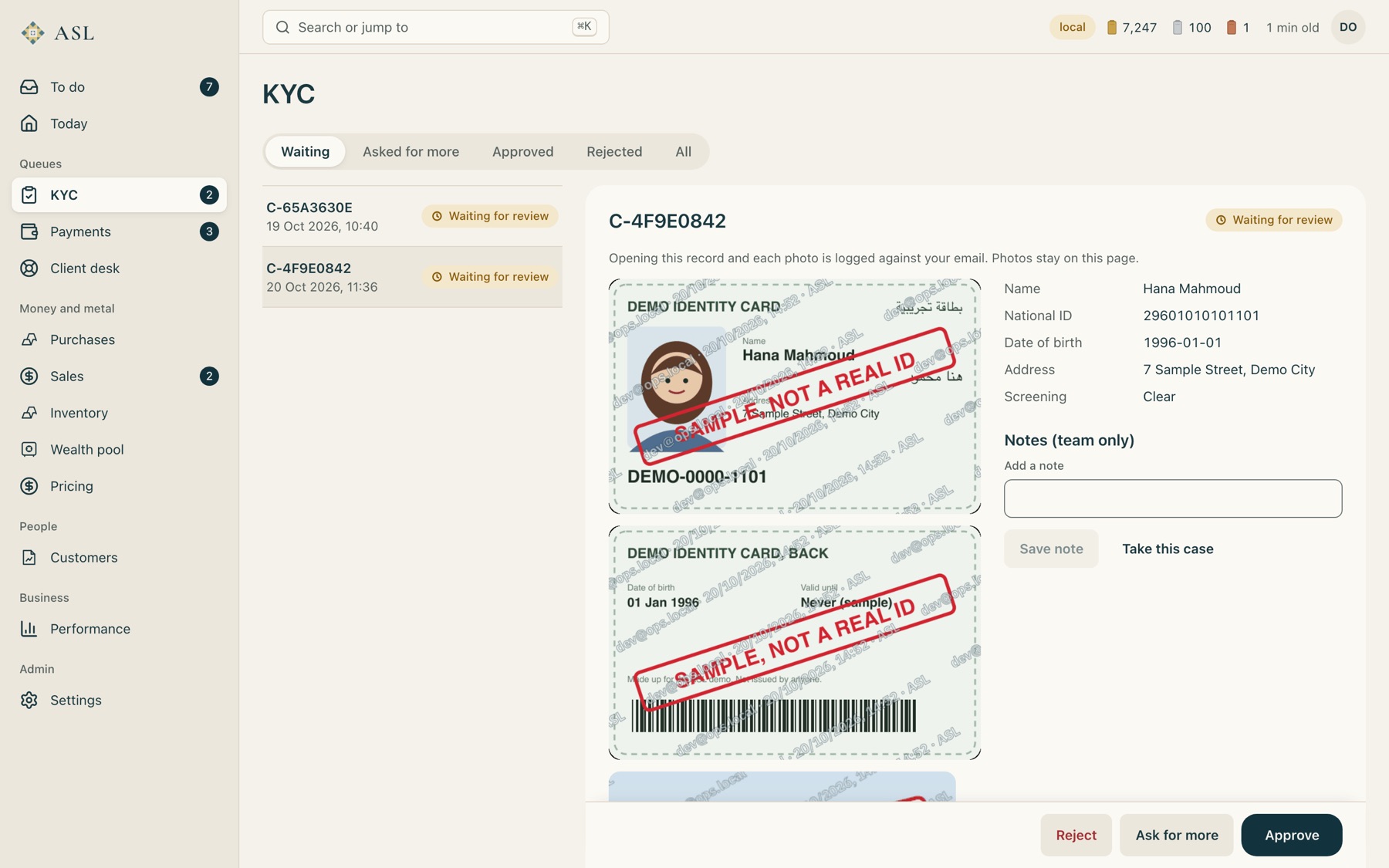
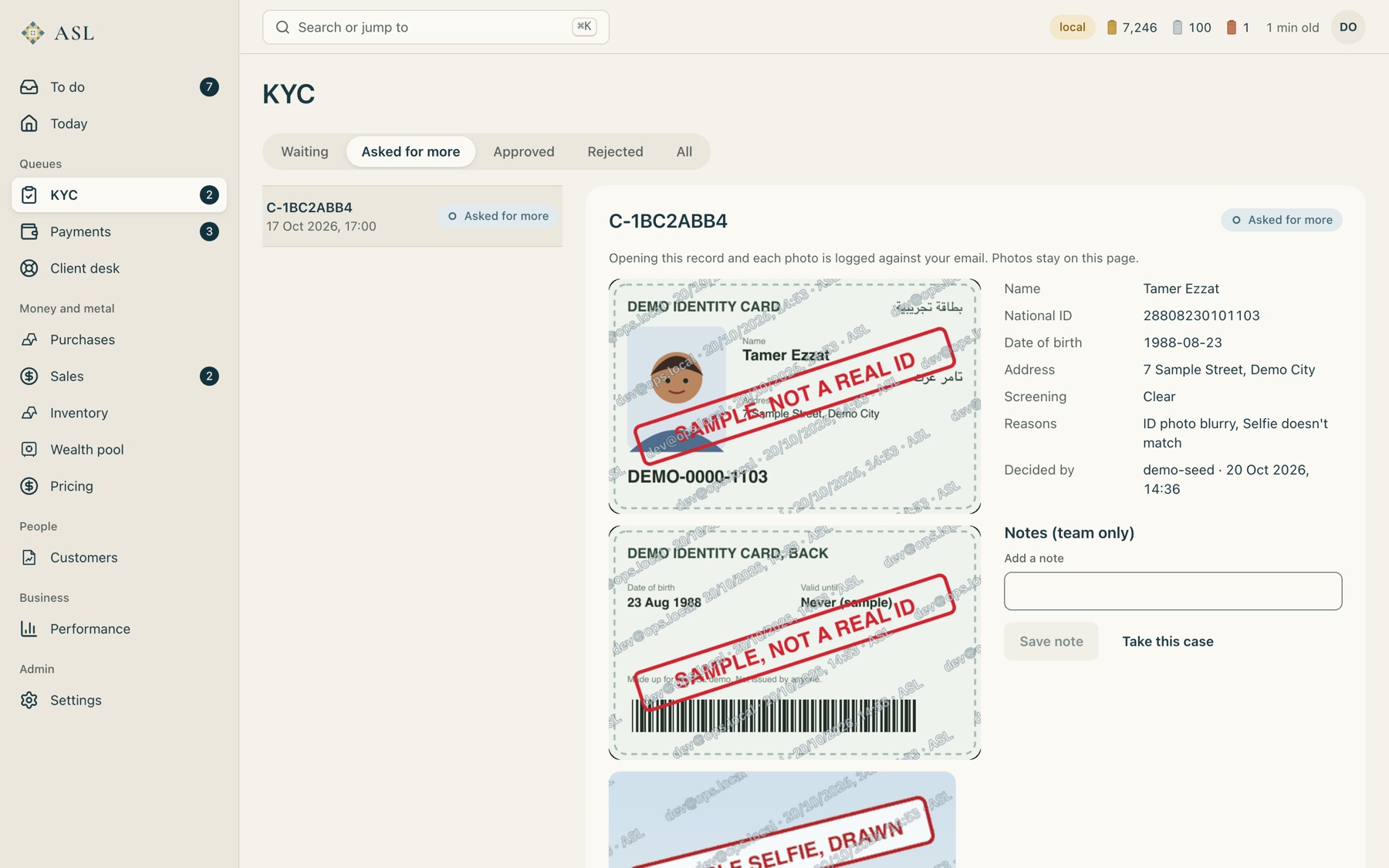
Every case is in one tab: waiting, asked for more, approved, rejected. The dashboard's Customers list shows every state, from "not started" to frozen.
The reviewer sees the photos (each view is logged), the details read from the number, and the screening result. Approving needs all seven checks ticked; the customer is told "You're verified".
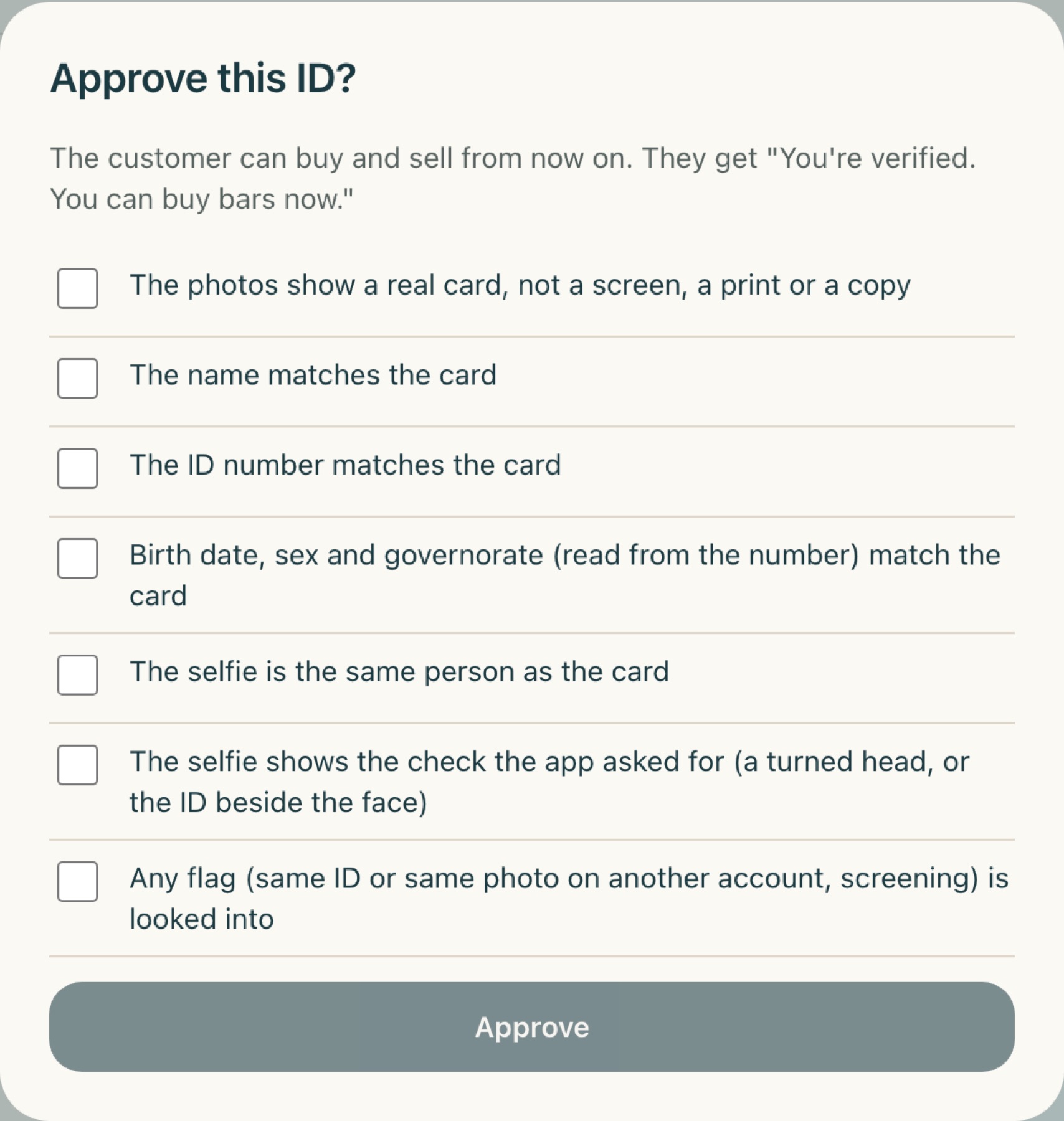
Tamer was asked for a sharper ID photo and a matching selfie; the reasons go to him and he can send again. Rejected and frozen customers are in their own tabs and filters.
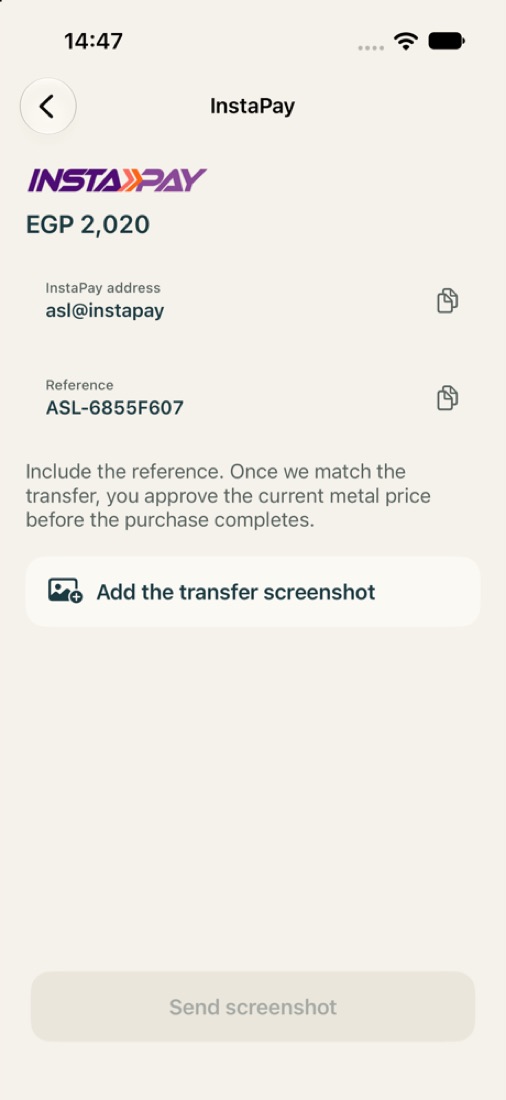
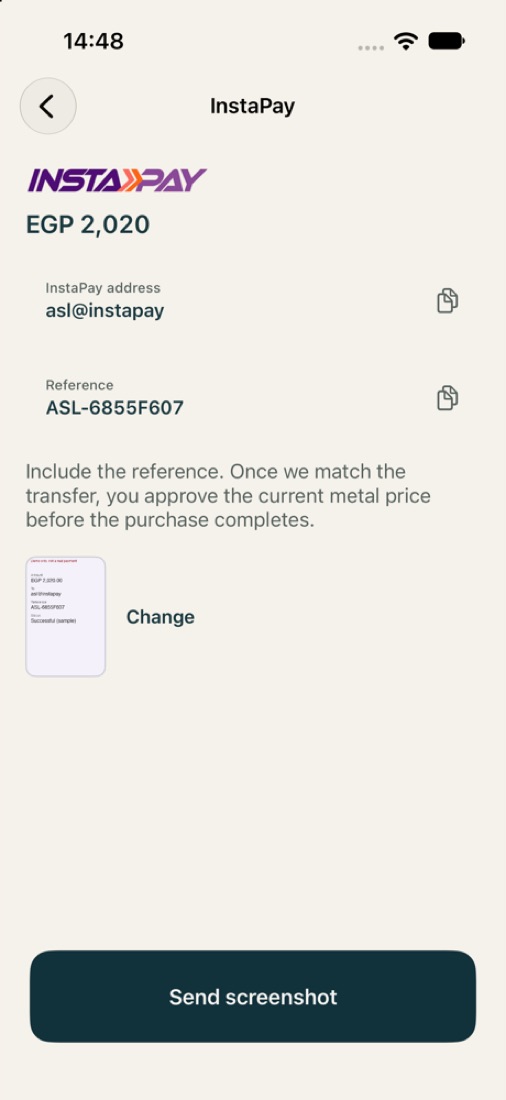
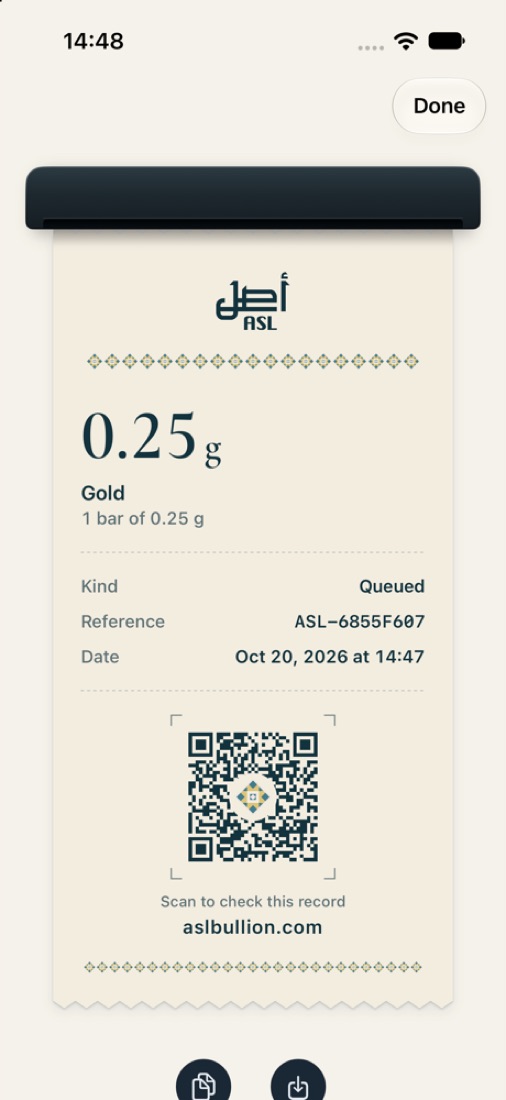
Seif buys a 0.25 g gold bar with InstaPay. The admin checks the transfer screenshot and marks the money received, and the bar lands in his vault.
Buy shows the bar at today's price and the limited editions; checkout offers card, InstaPay or cash, with a long press to buy.
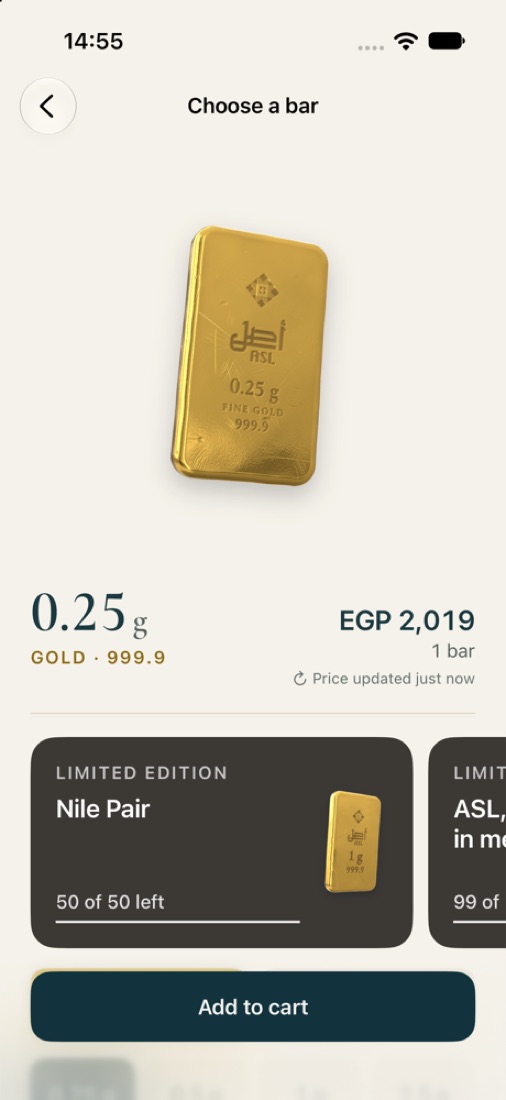
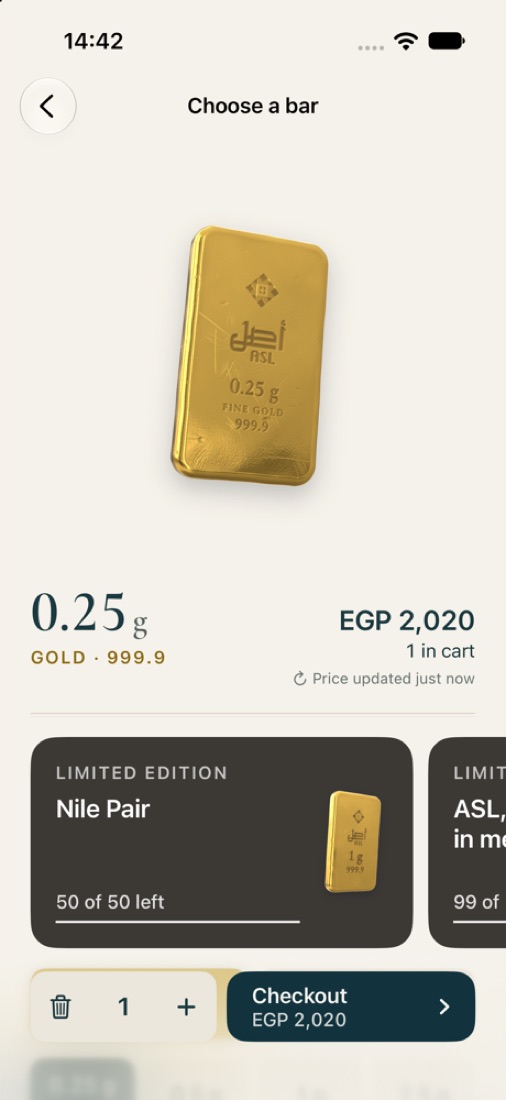
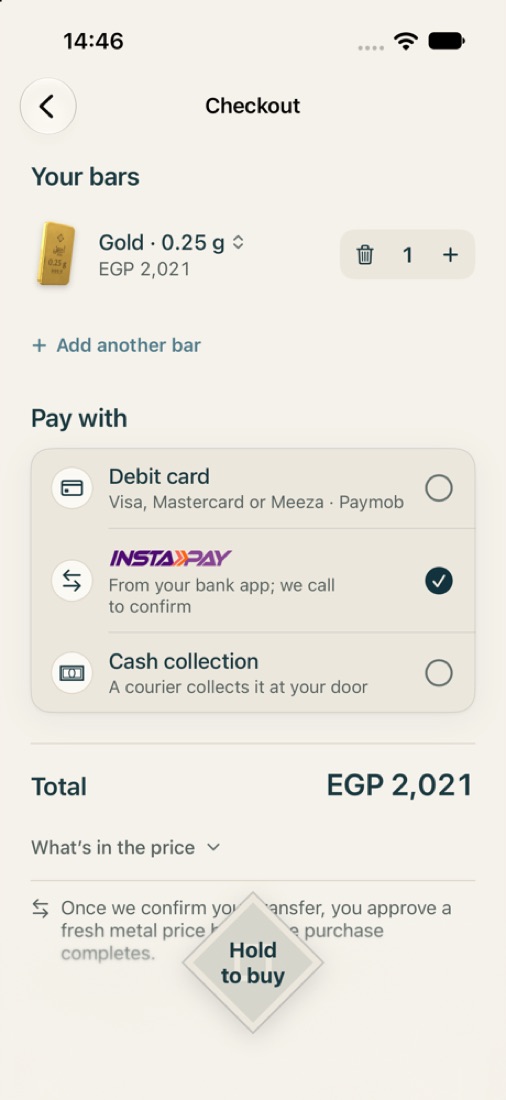
The app gives ASL's InstaPay address and a reference; Seif adds the transfer screenshot (a drawn sample) and gets a receipt. It's on the dashboard's Payments at once, 14:48.
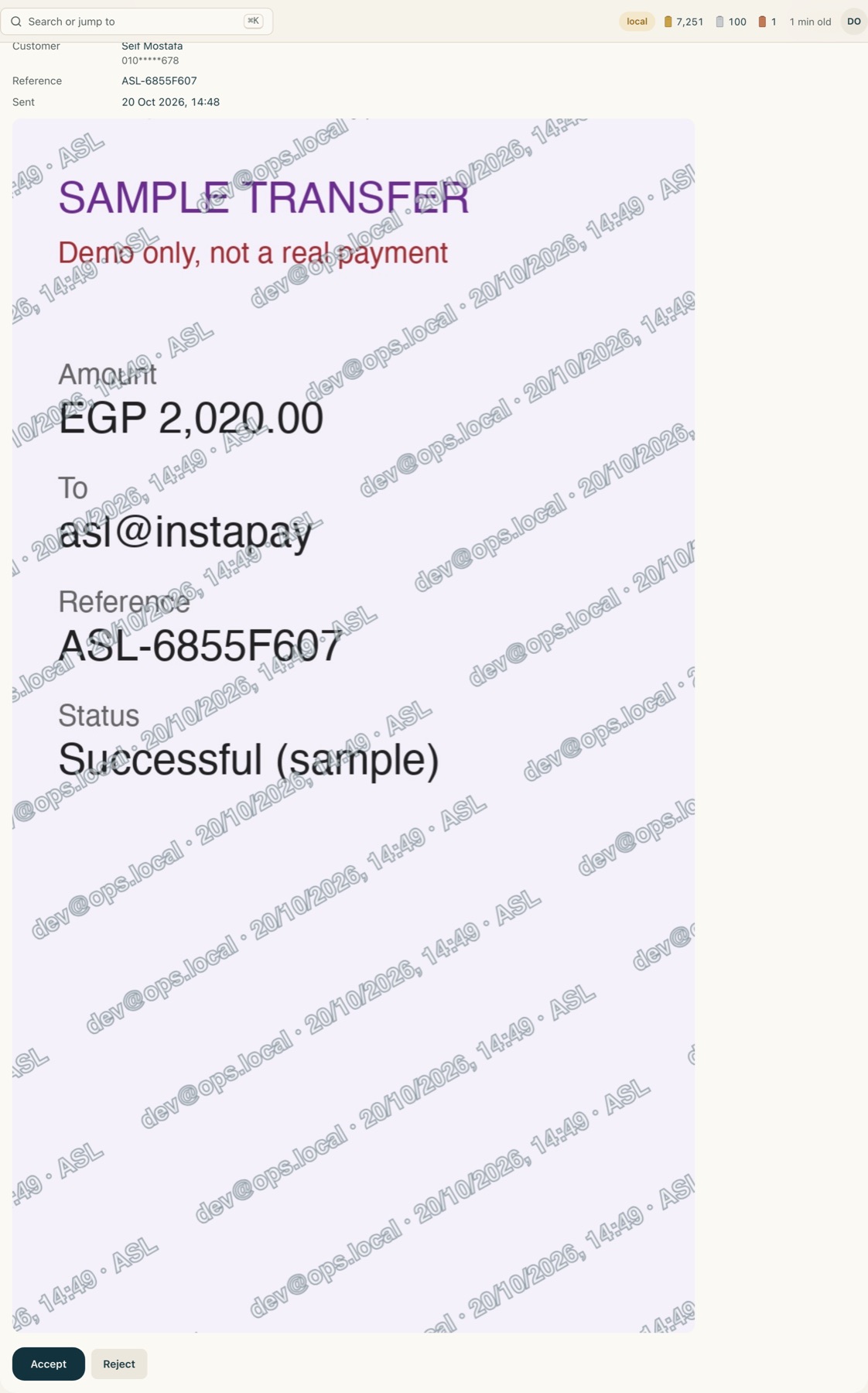
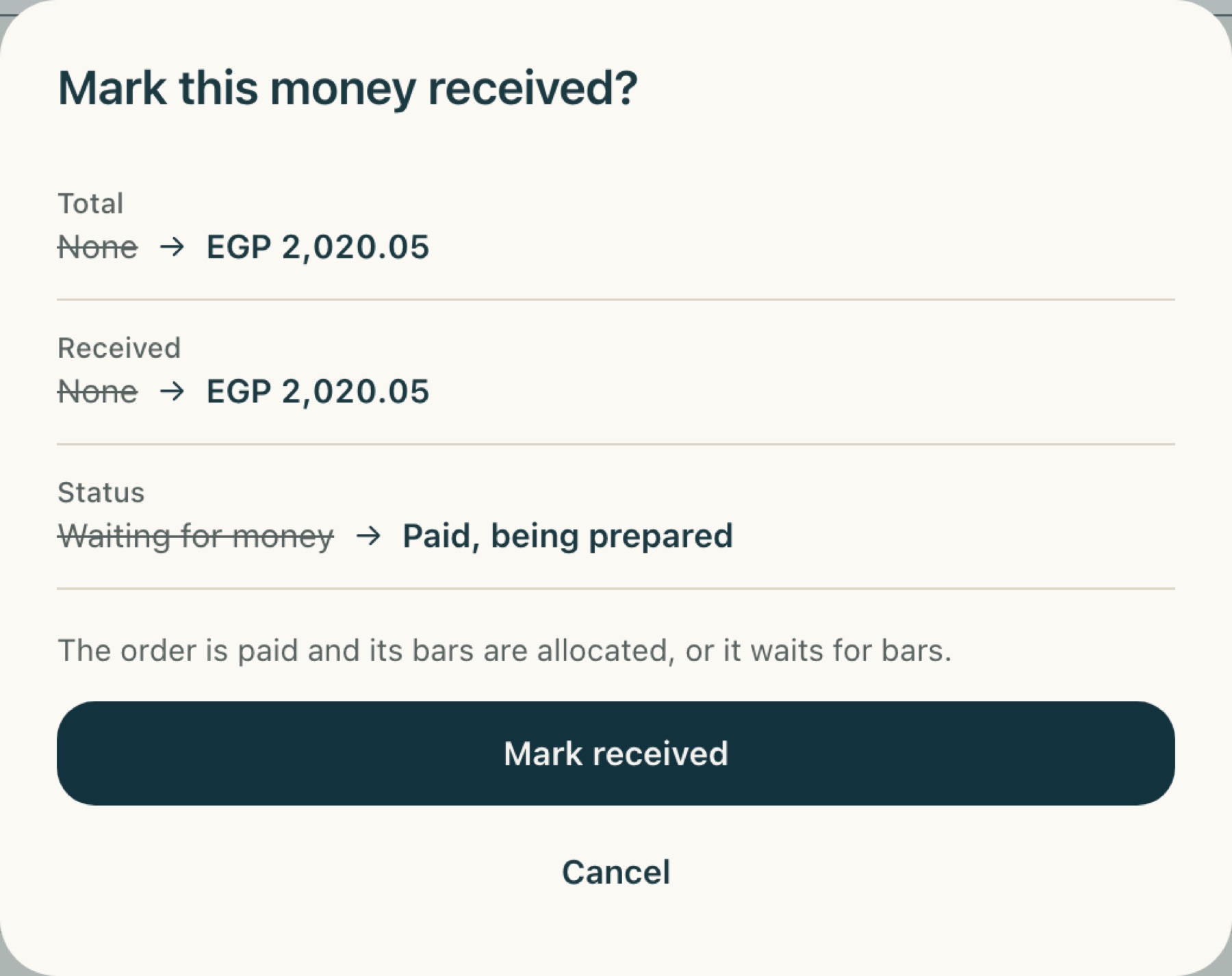
Accepting the screenshot only marks it checked; the admin then types the amount that arrived, sees before and after, and marks it received. The order becomes paid and its bar is allocated.
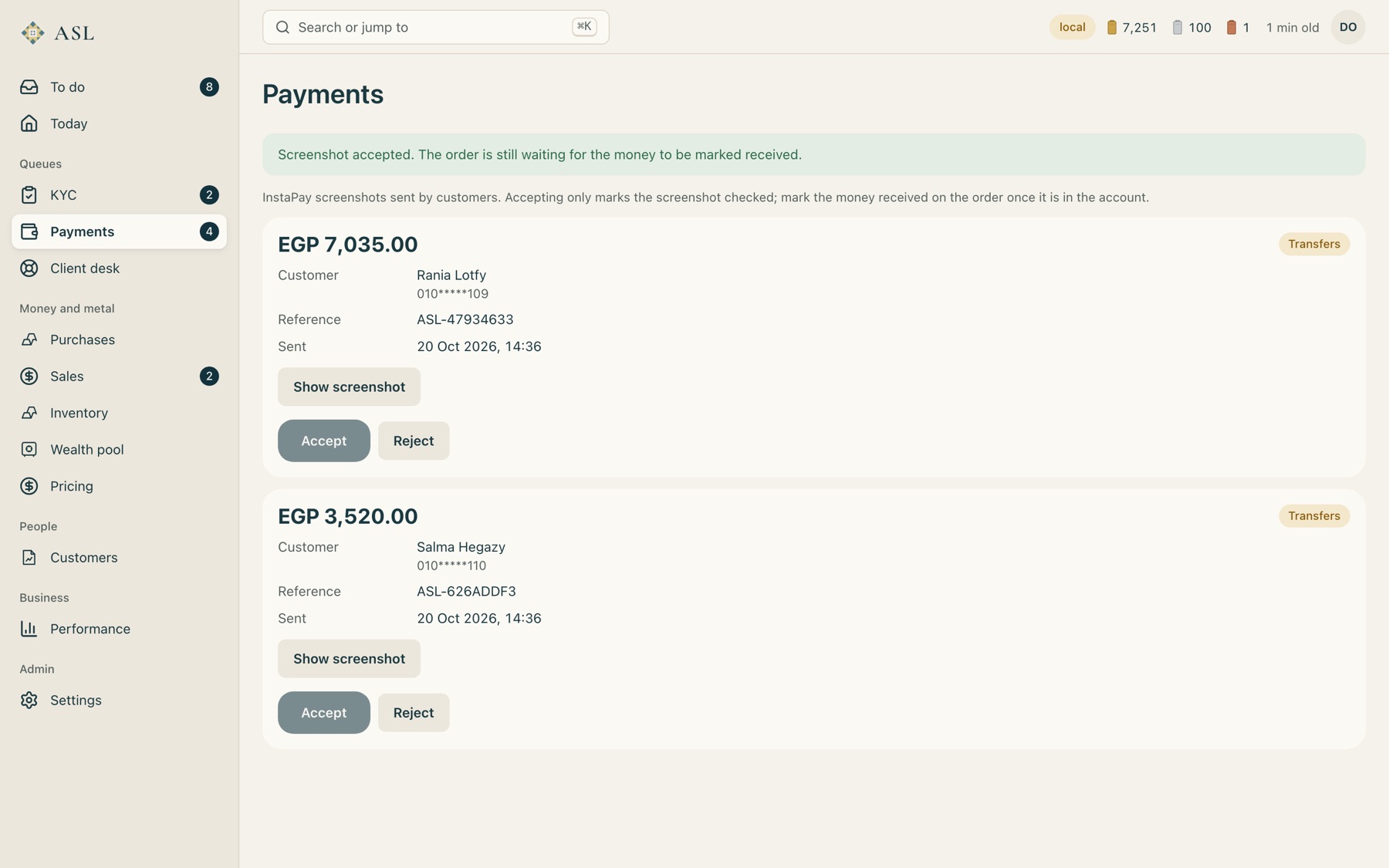
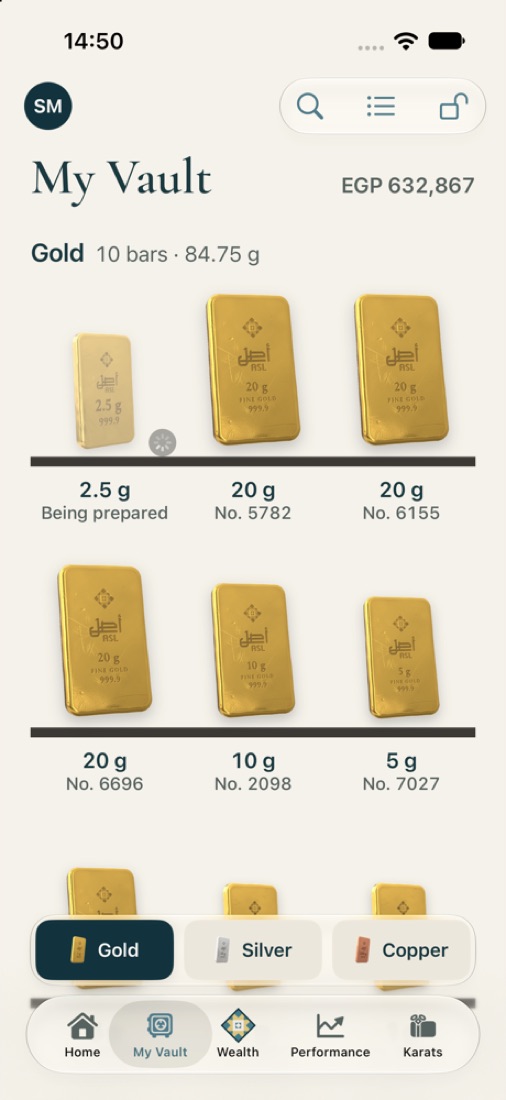
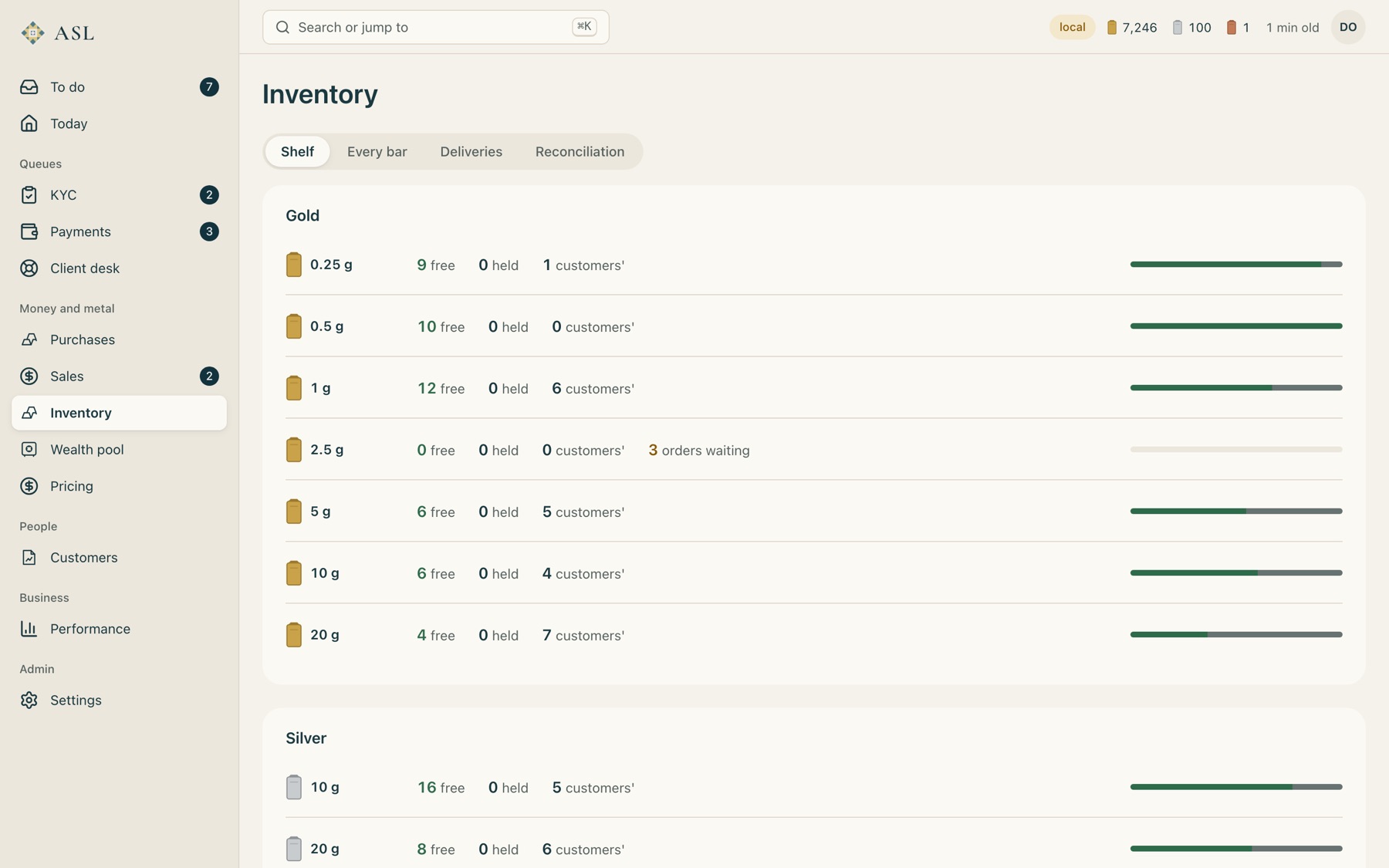
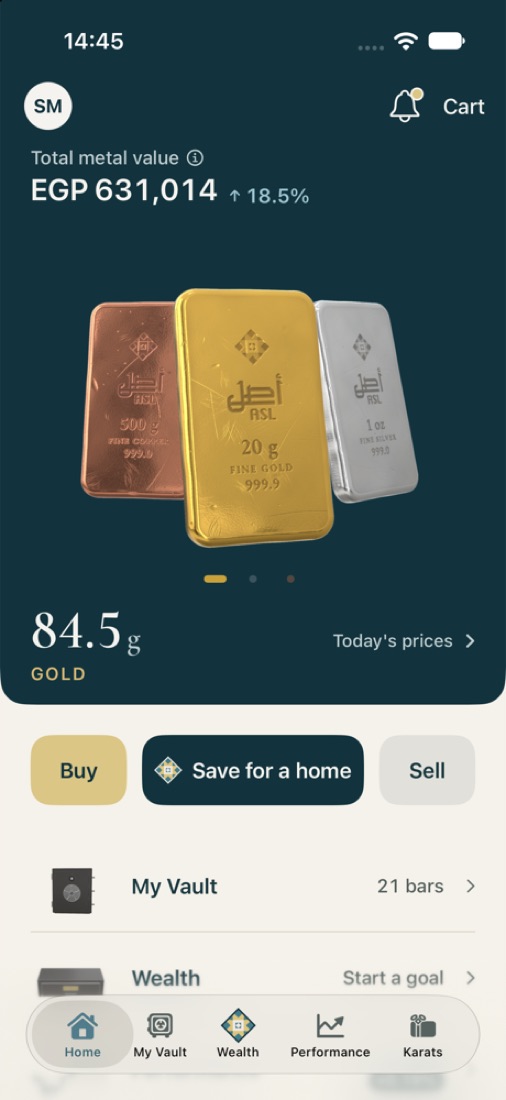
Seif's gold goes from 84.5 g to 84.75 g; a bar still waiting for its serial shows "Being prepared". The full payment window, late money and refunds wait on PR #96.
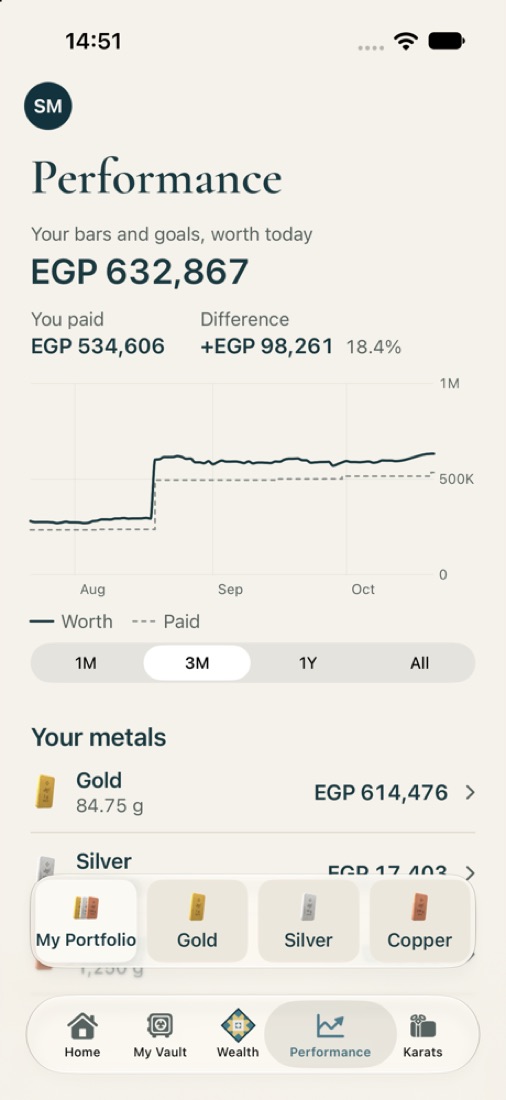
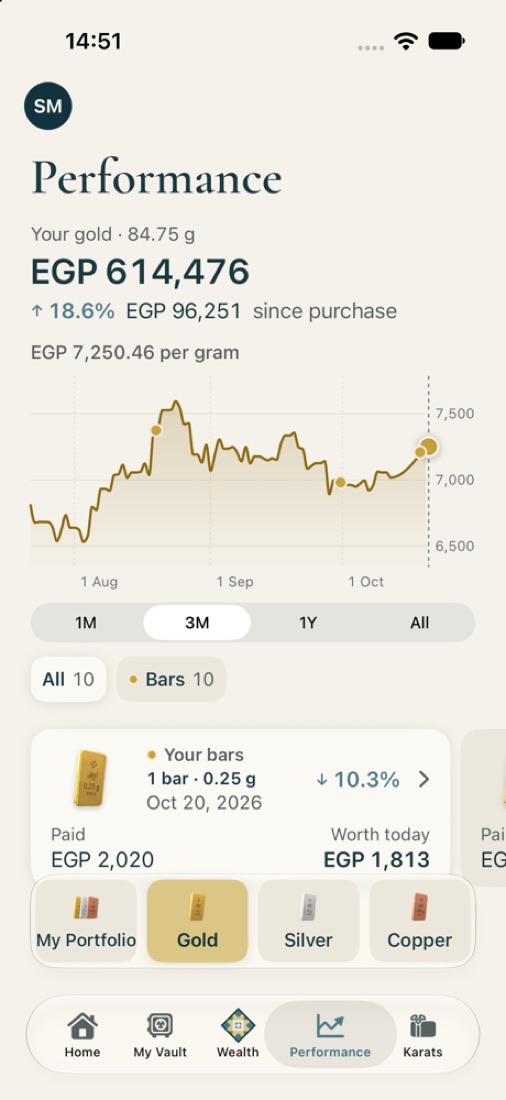
Fixed today (1.7): titled Performance, the chart draws from the first purchase, and each metal has its own tab with its price. Moves are teal with + and −, never green and red.
Seif's worth against what he paid since August, then gold's own price with his bars marked on it; today's 0.25 g bar shows its spread in teal.
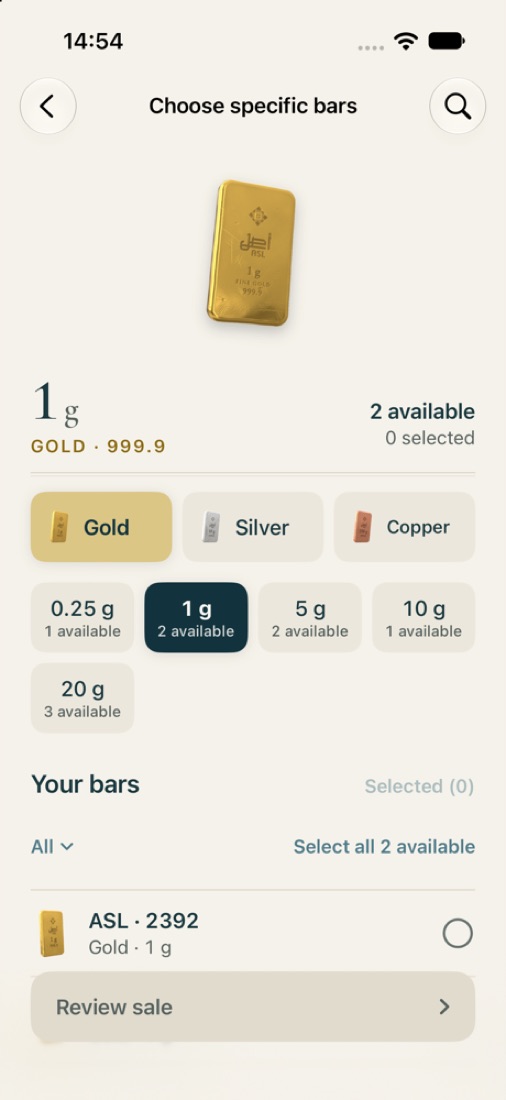
A customer picks the bars to sell and sees what they get; the payout goes to their own account after a name check.
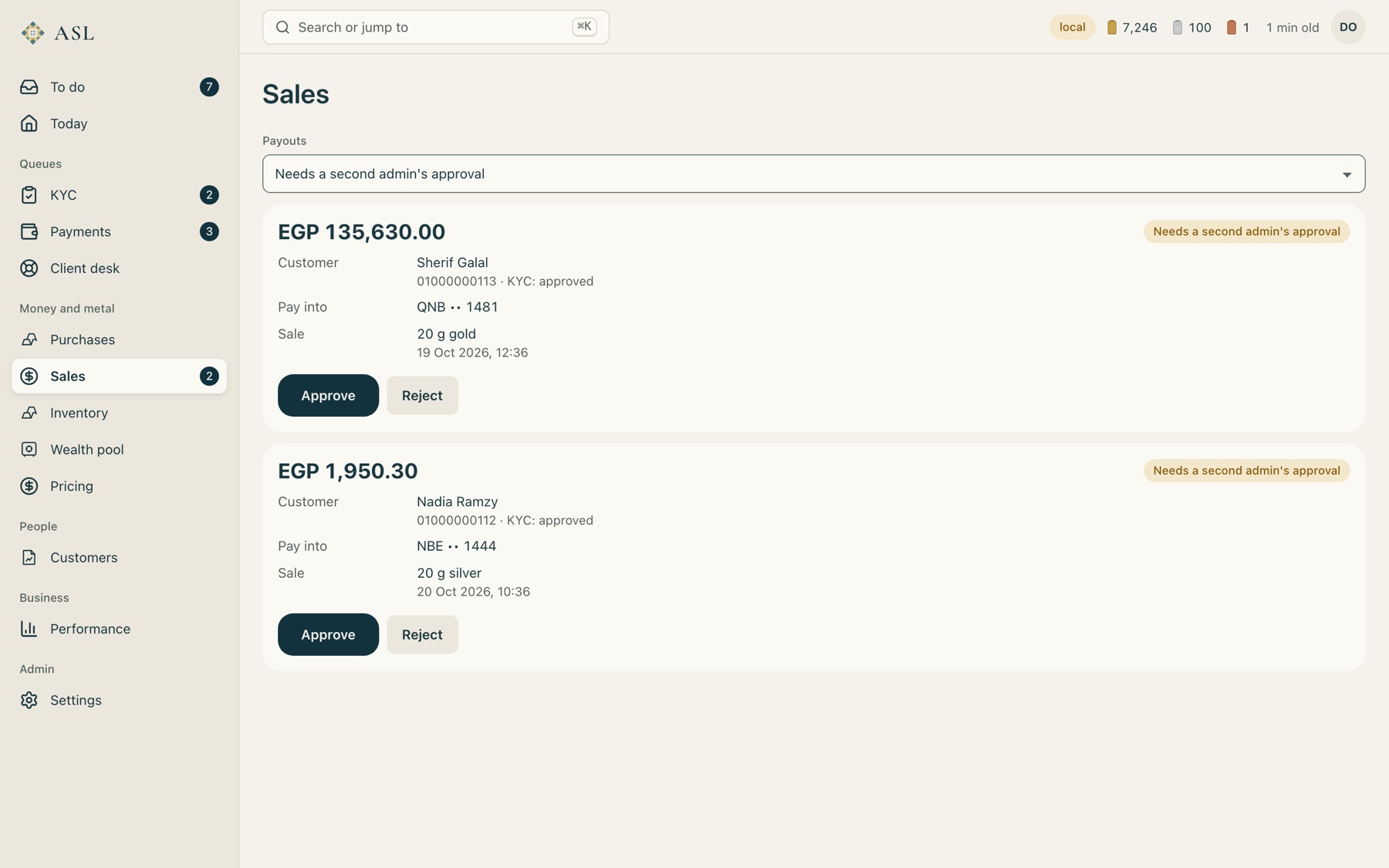
Sales lists payouts with the name check and where the money goes. Above the limit a payout needs a second admin's approval. The approval screens wait on PR #99.
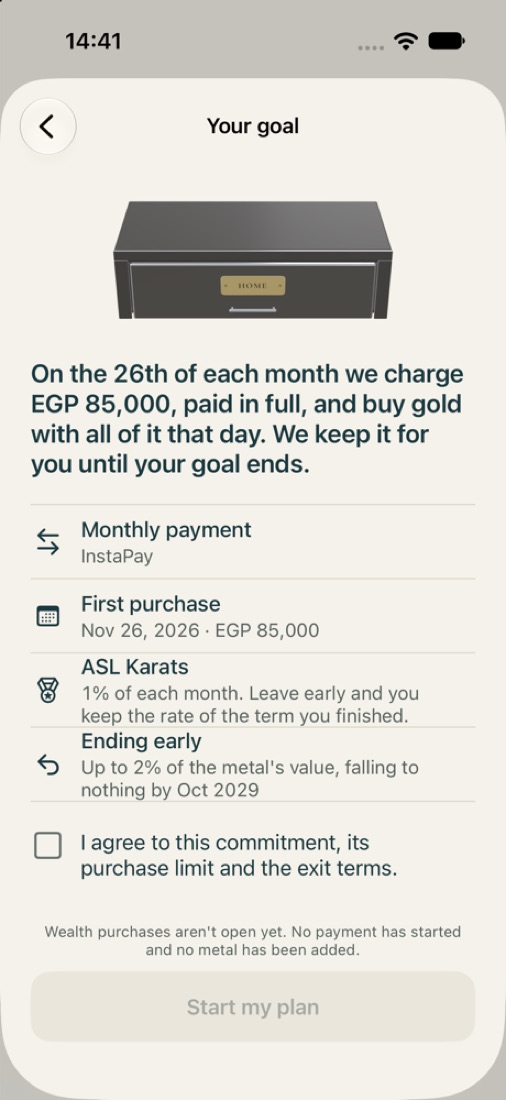
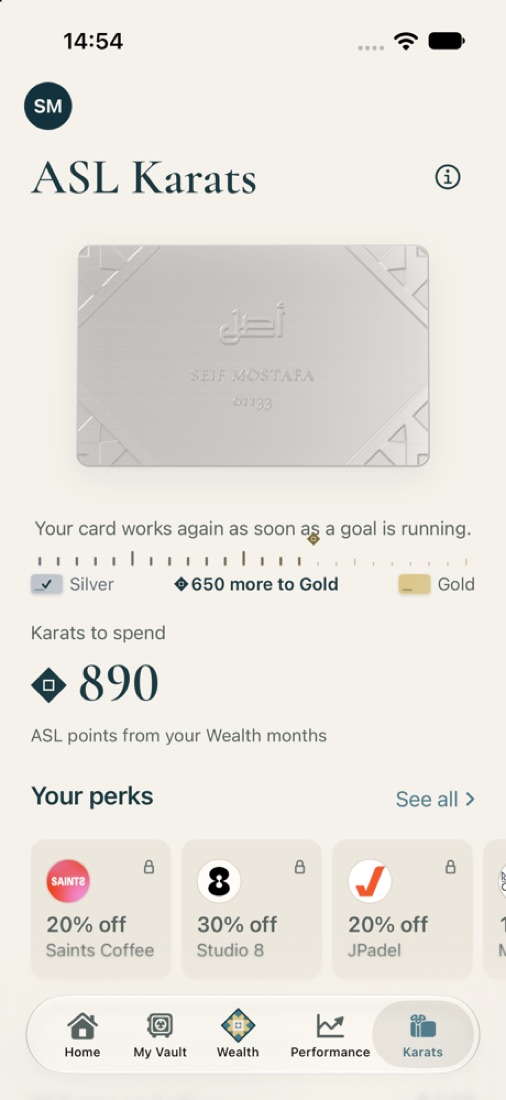
A Wealth goal saves into metal every month on the 26th and earns Karats.
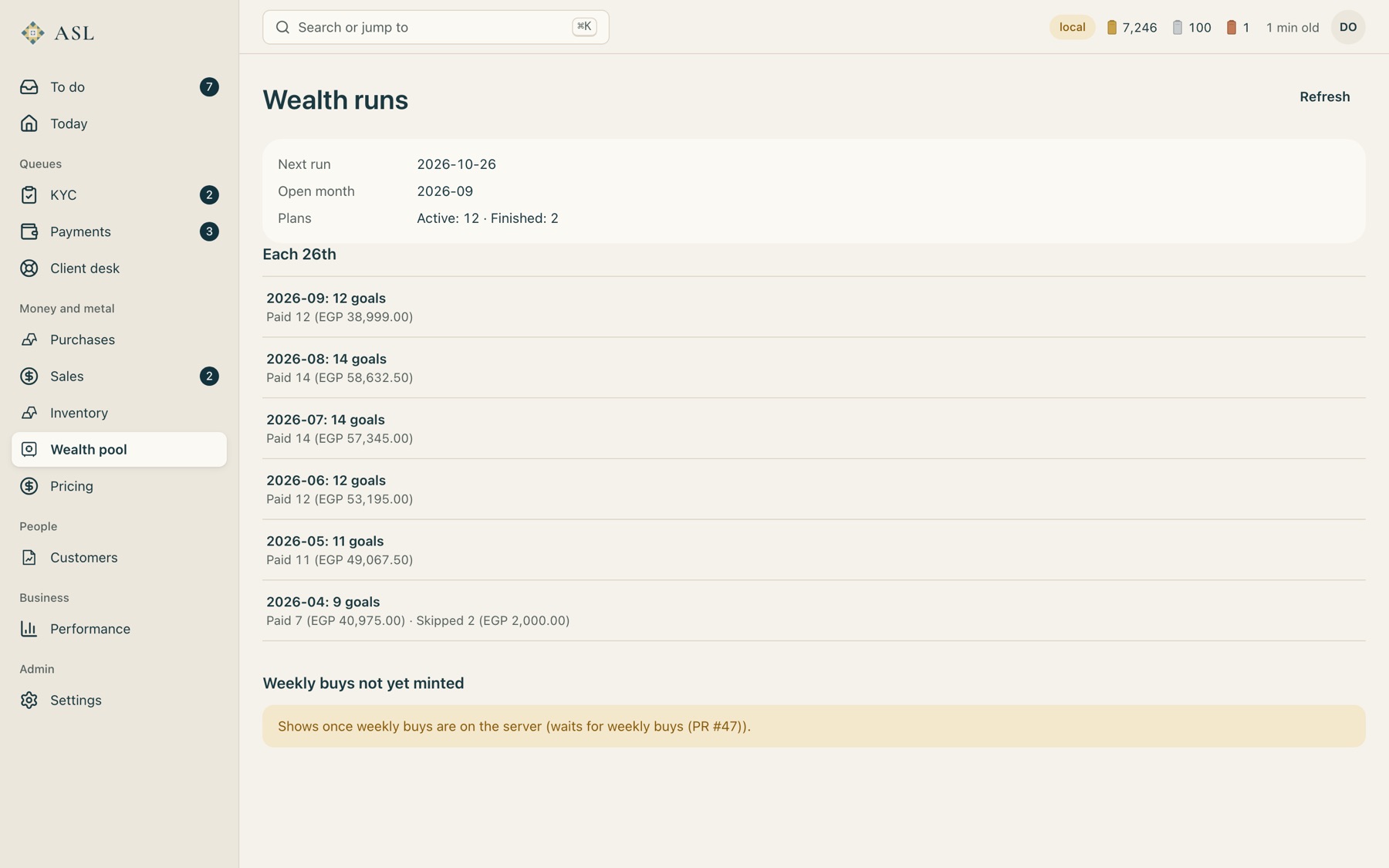
The Wealth tab, a goal's plan, and Karats with the card and perks. The dashboard's Wealth runs show every 26th: goals paid, amounts, skips. Weekly pooled buys wait on PR #47.
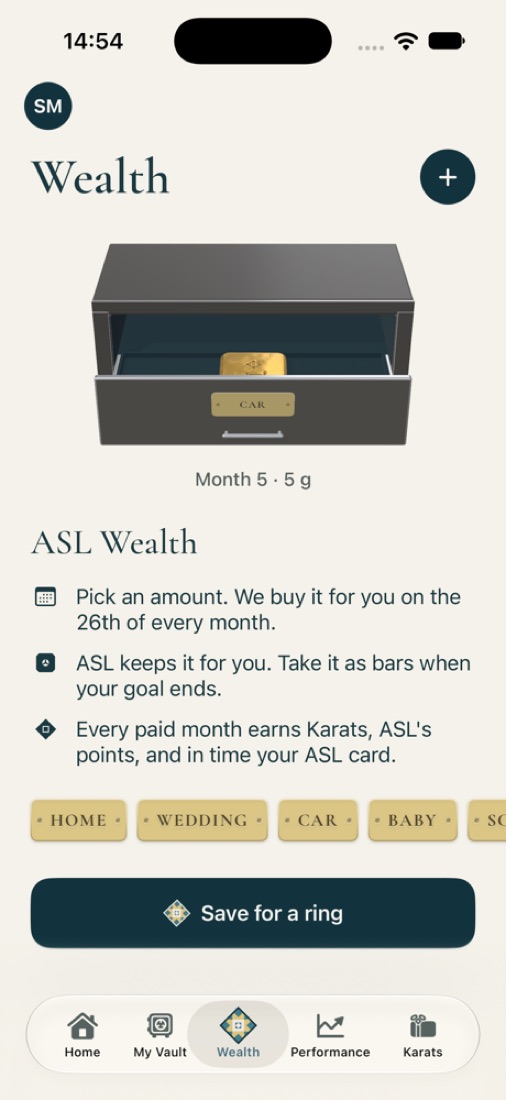
Closing a half-made goal with the X asks first. The swipe-down version is blocked but doesn't ask yet.
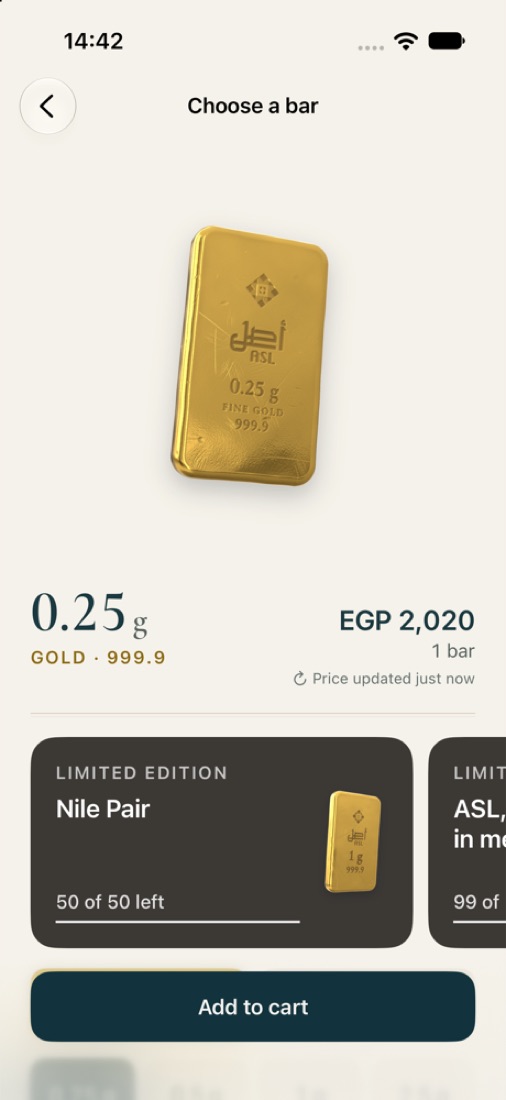
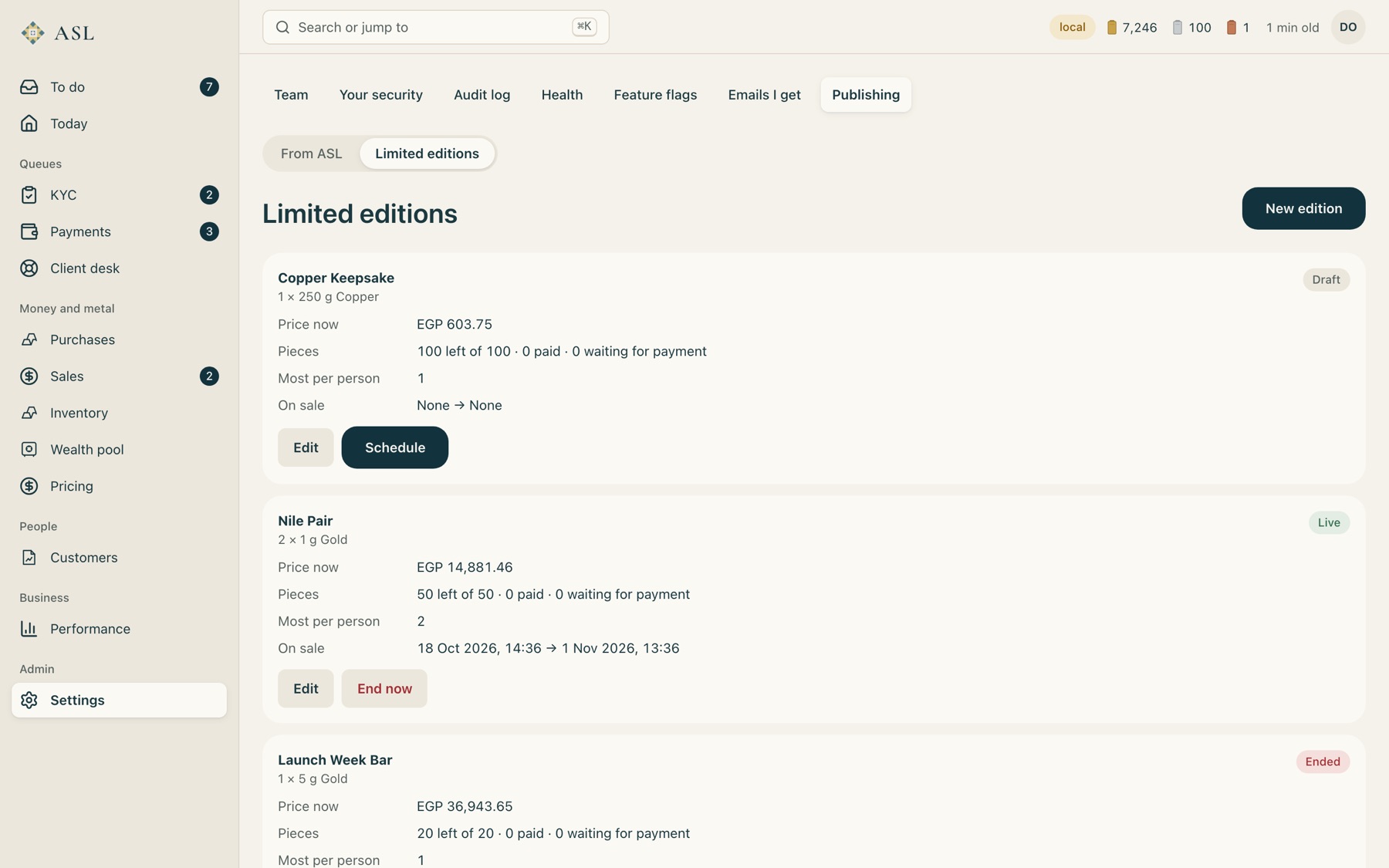
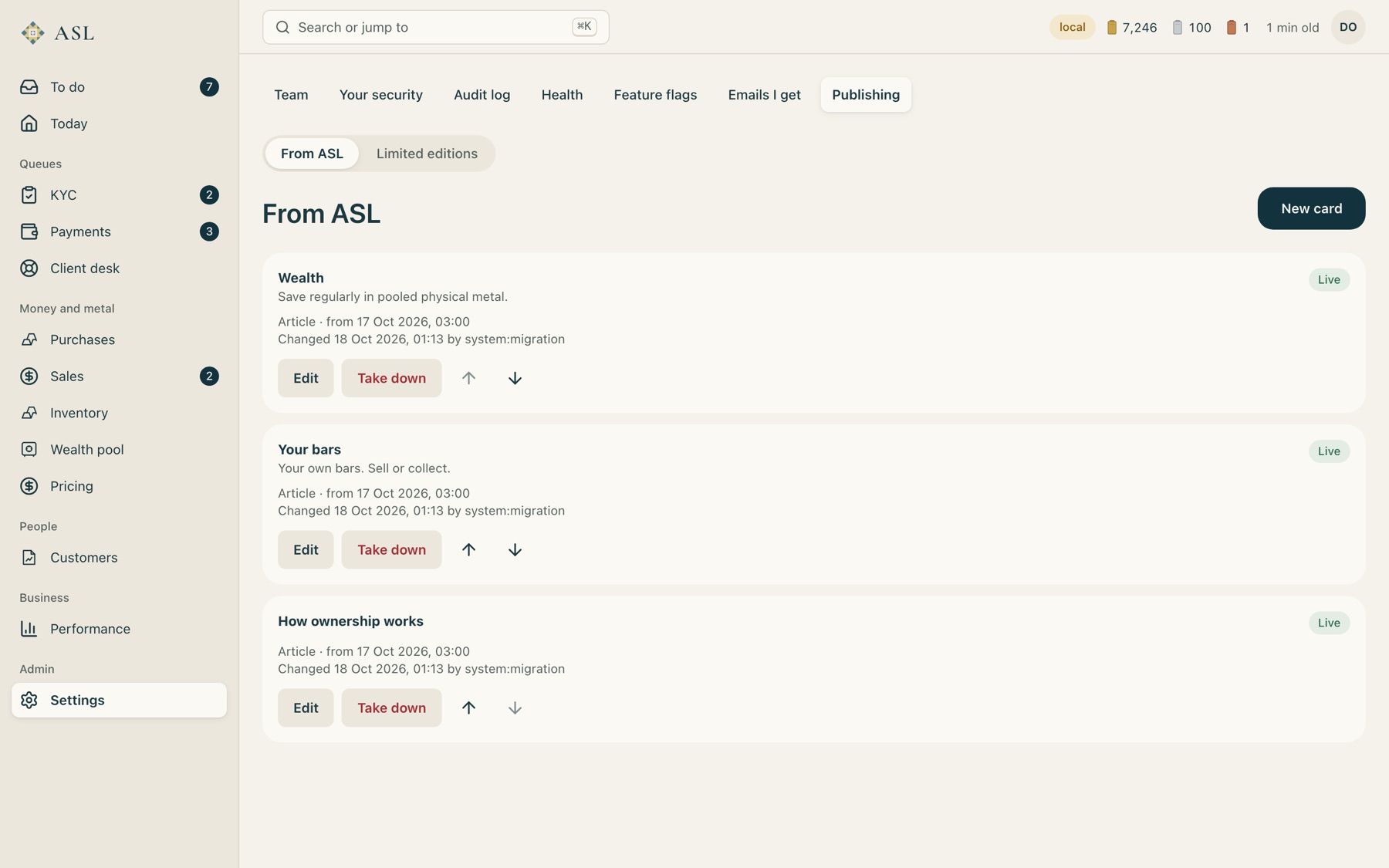
Editions are set up on the dashboard (Publishing, Limited editions) and appear on Buy.
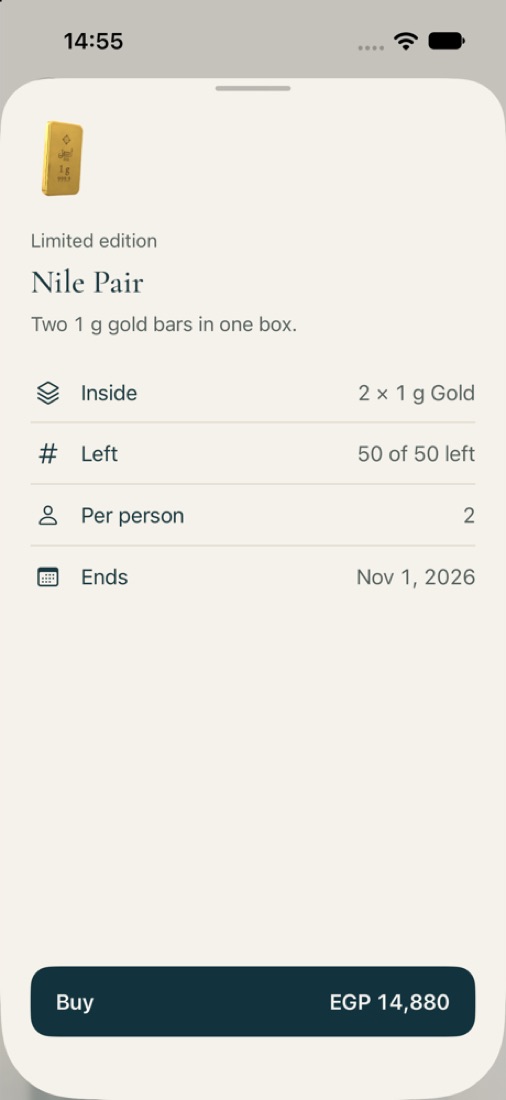
A wide card on Buy, then its sheet: what's inside, how many are left, the limit per person and the end date. The sheet's redesign (1.9) comes next.
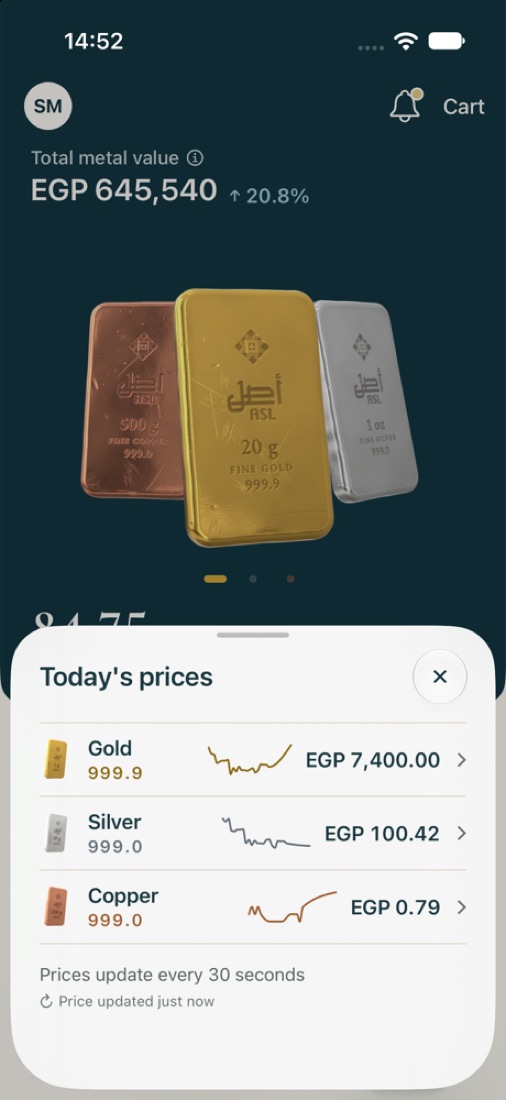
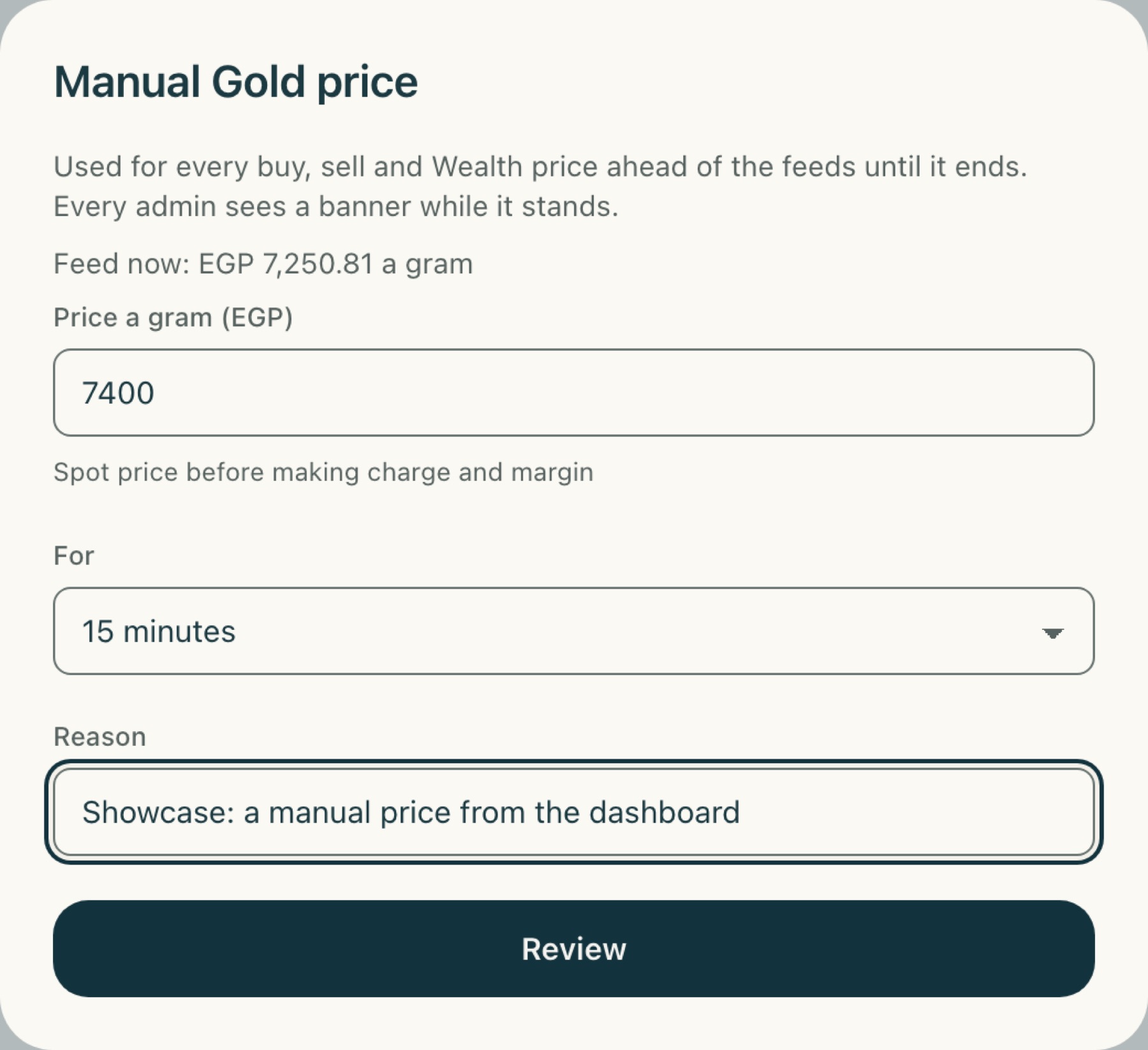
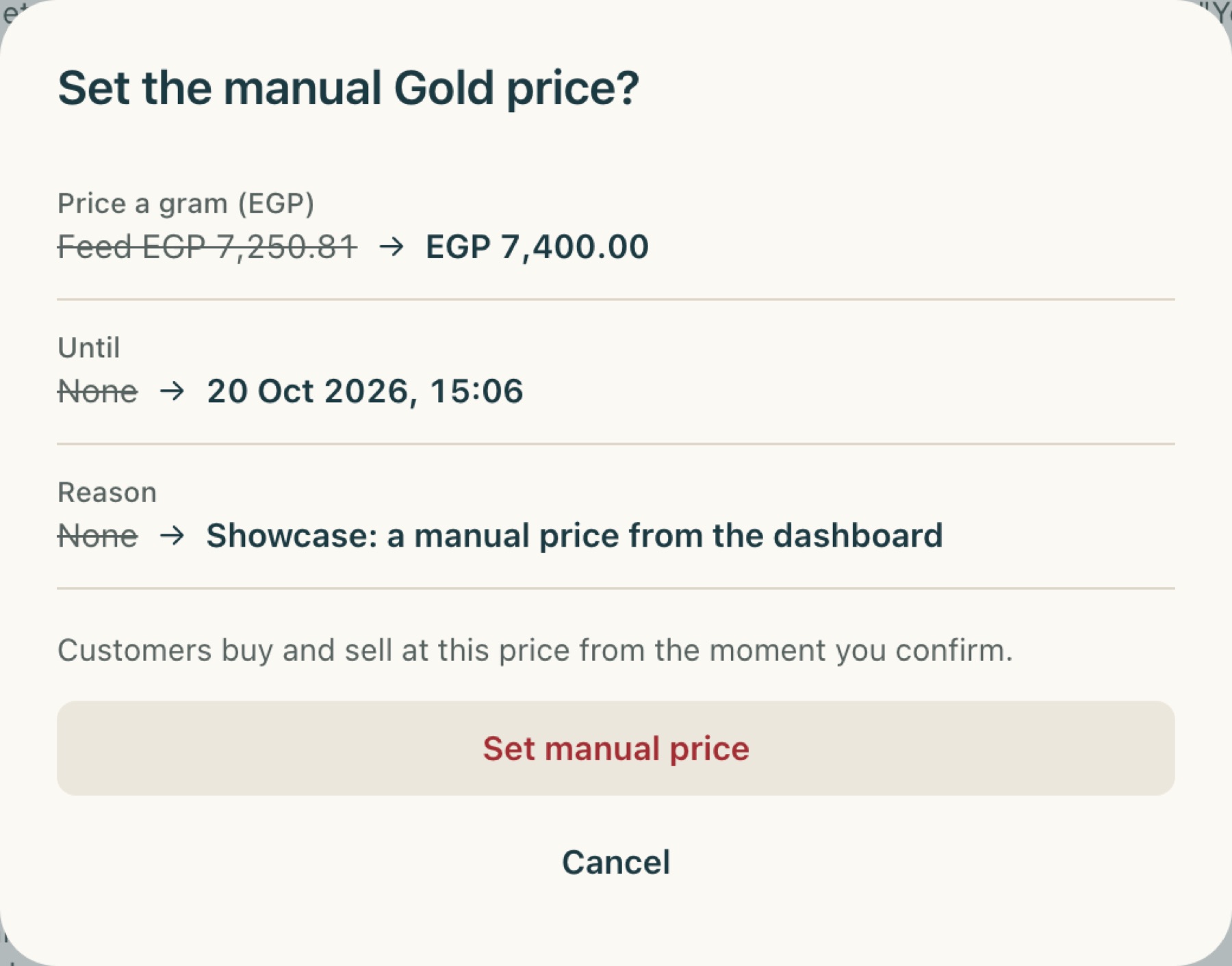
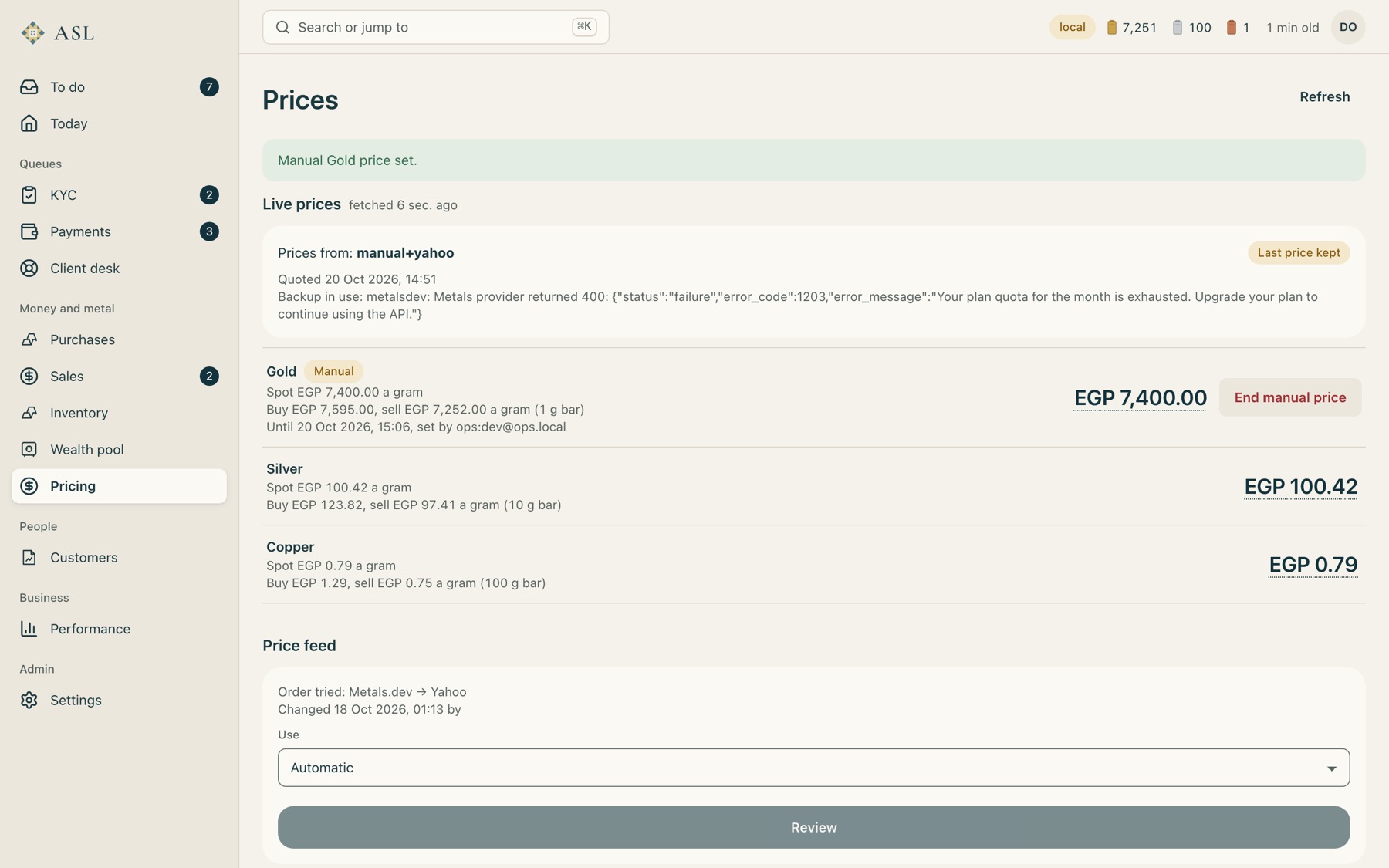
Prices come from the server, never the phone. Here an admin sets gold by hand for 15 minutes and the app follows.
On Pricing the price in force is large; tapping it opens it to edit (1.2.5). EGP 7,400 for 15 minutes, a reason, before and after, confirm. The app's Today's prices shows EGP 7,400.00 at once. It was ended right after.
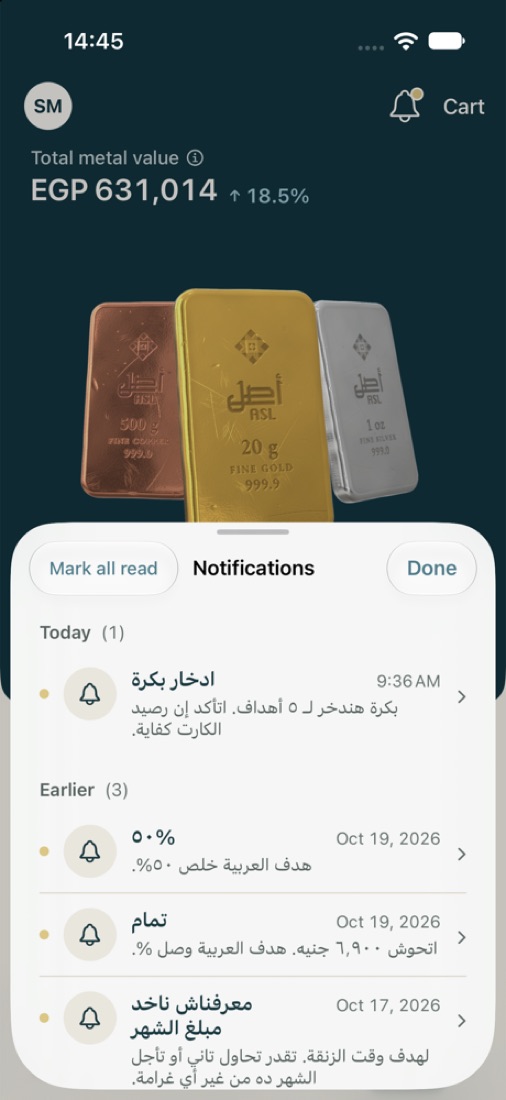
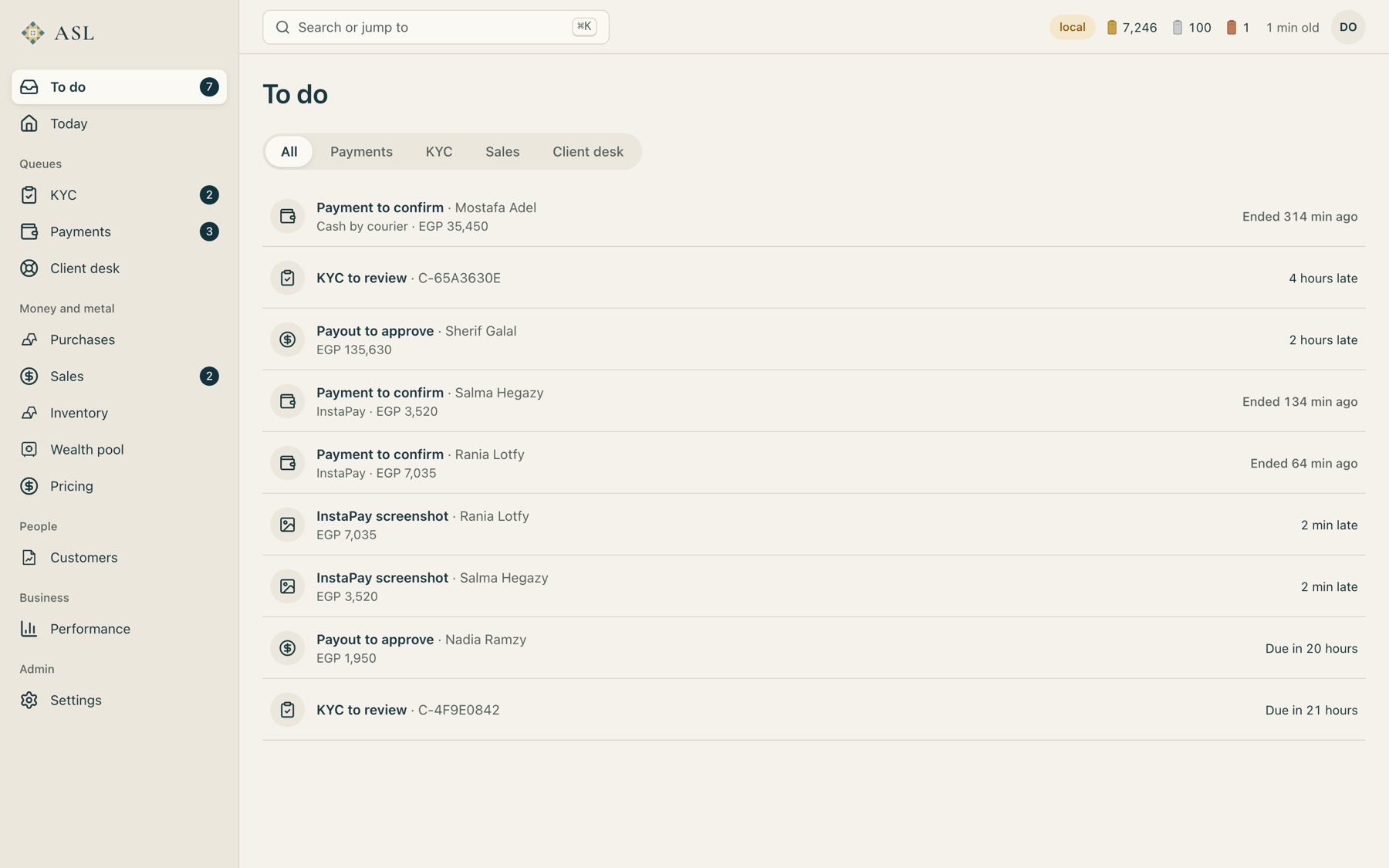
Real push notifications aren't paid for yet, so the app shows them in its inbox behind the bell. The team works from To do; every admin action is in the audit log.
Month paid, a milestone, a failed month and a reminder. Seif's are in Arabic because his demo account has no saved language yet (being fixed).
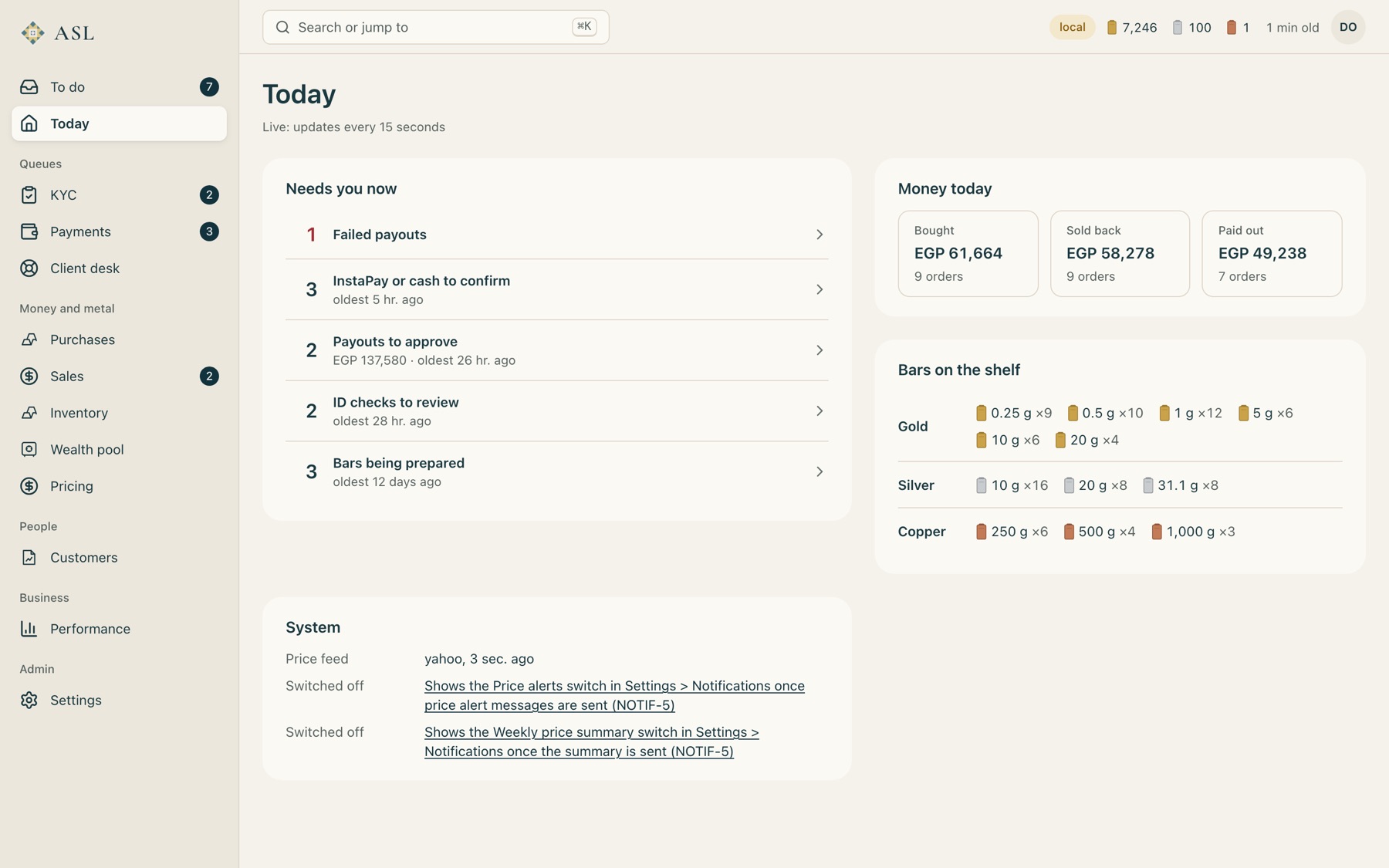
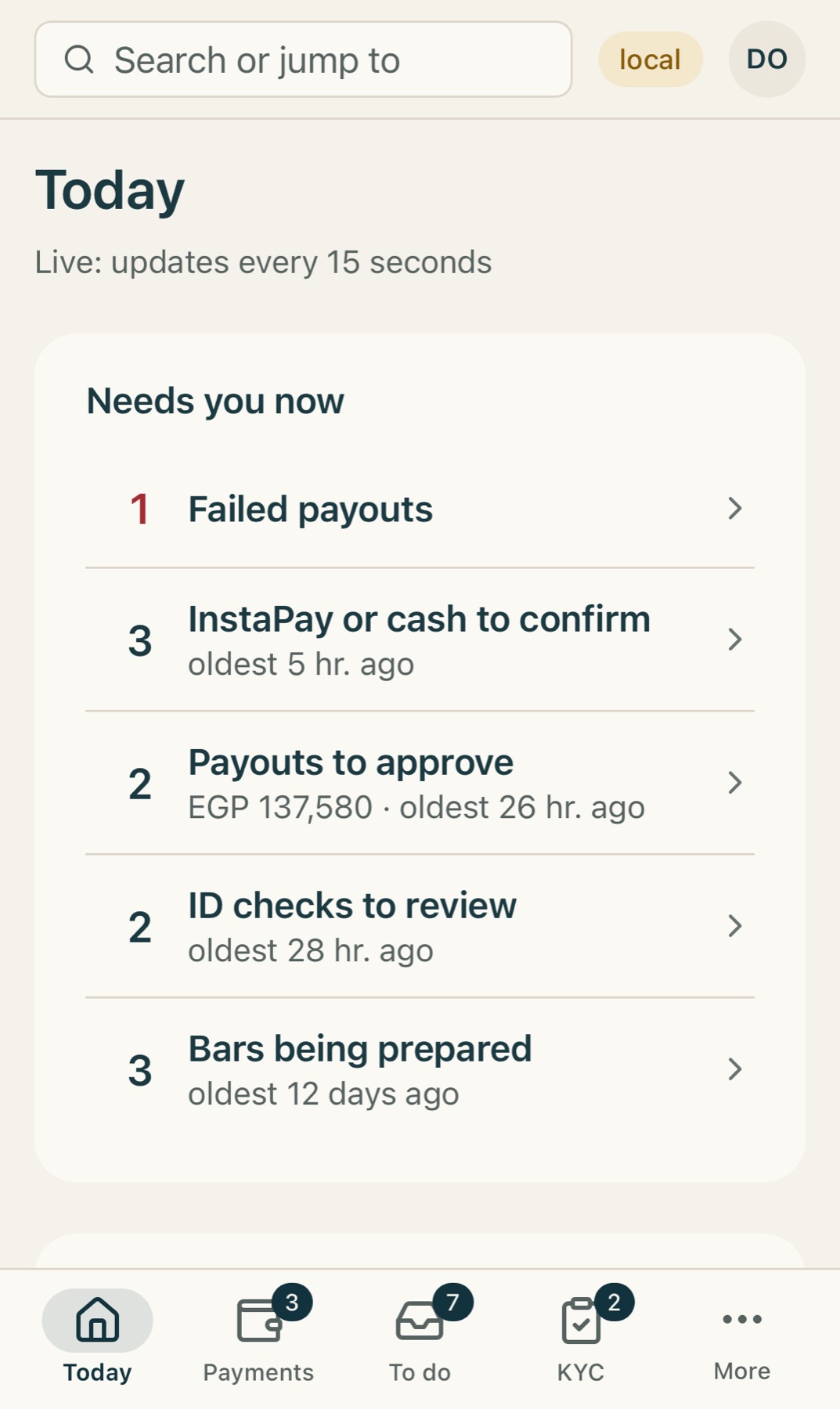
Everything waiting on an admin in one list, and Today's summary, live every 15 seconds. On a phone: Today, Payments, To do, KYC and More.
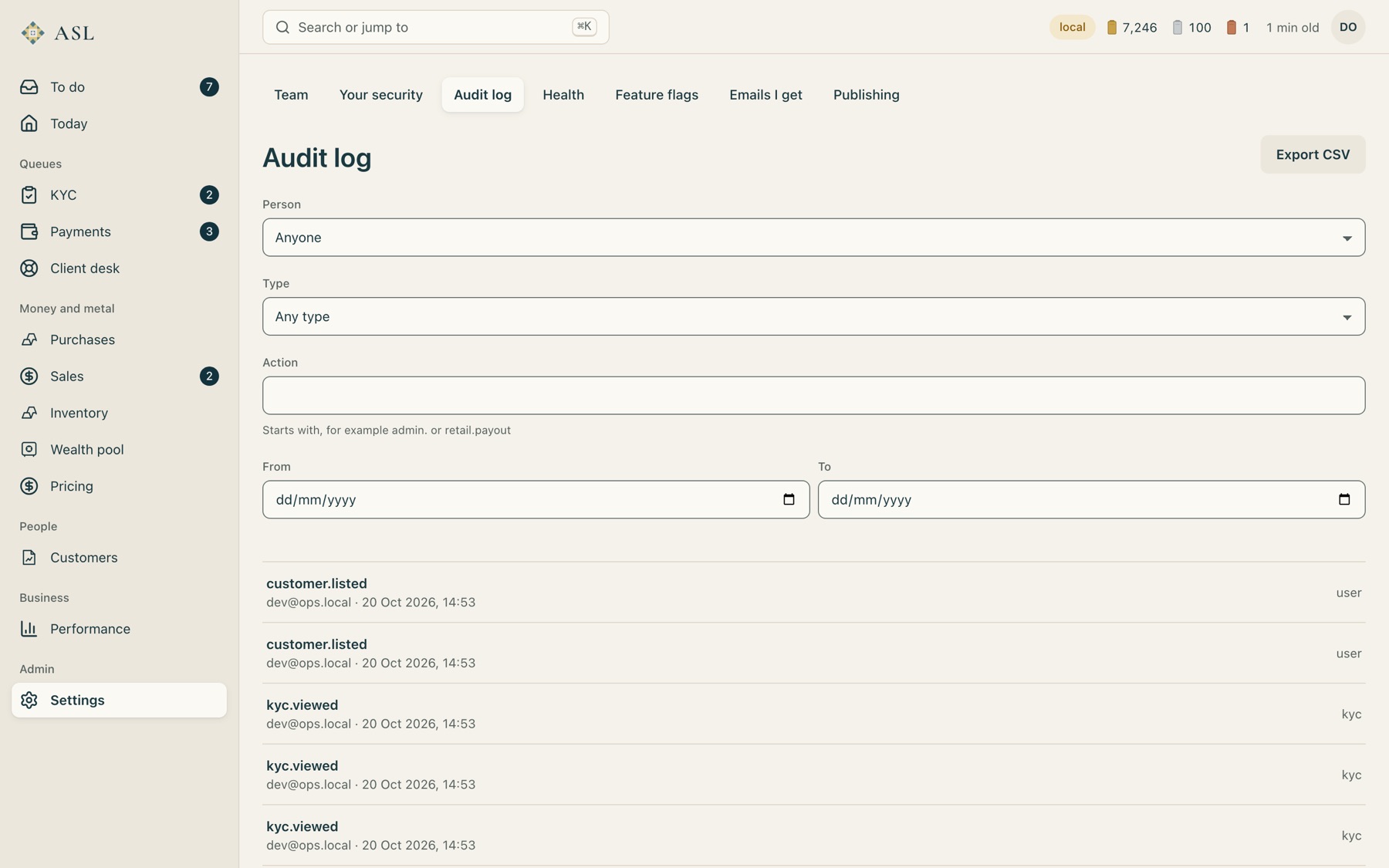
Every view and action from this run, with who and when.